
Team Spirit Starts with Team Management
Tour GameChanger’s lineup of team management tools dedicated to season over season admin wins.
It All Starts With Your Team
Create Your Team Quickly and Easily
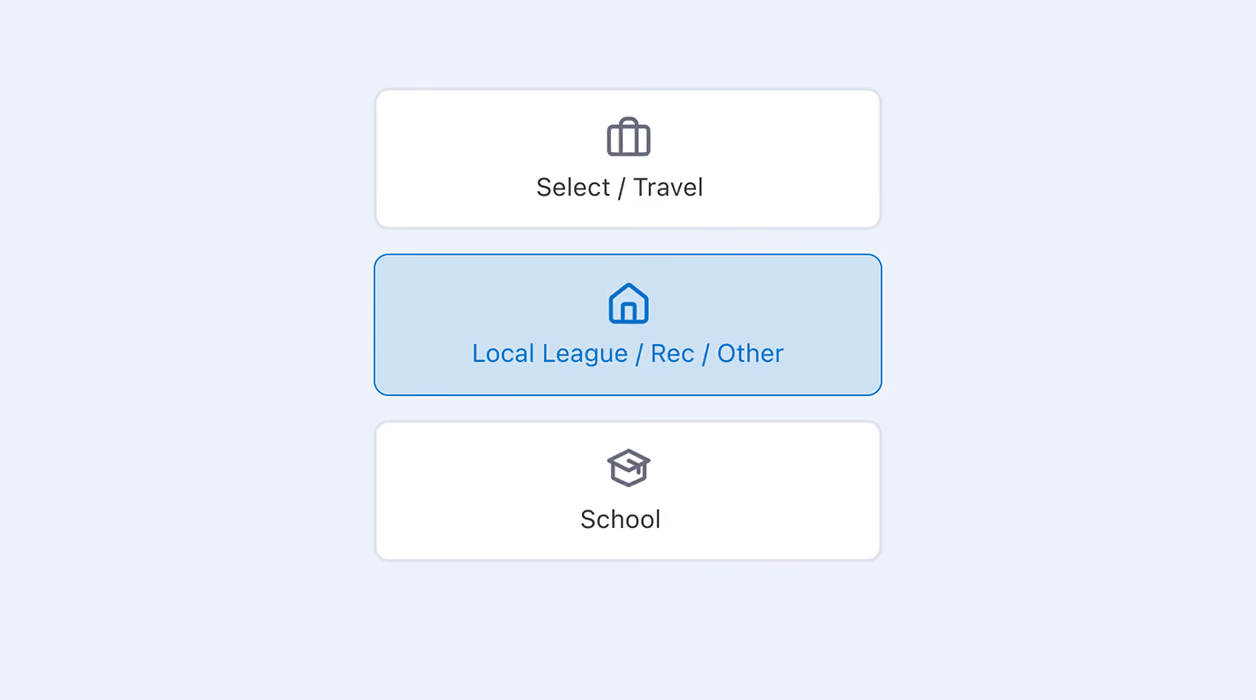
Build your roster and schedule in one place, on web or mobile. Team info stays organized and easily accessible instead of scattered across texts, spreadsheets, and group chats.
Once your team is created, messaging, scorekeeping, and streaming are ready to go instantly with no additional setup needed. Every team also gets its own Team ID at creation, keeping it distinct from any similarly named team across tournaments and leagues.
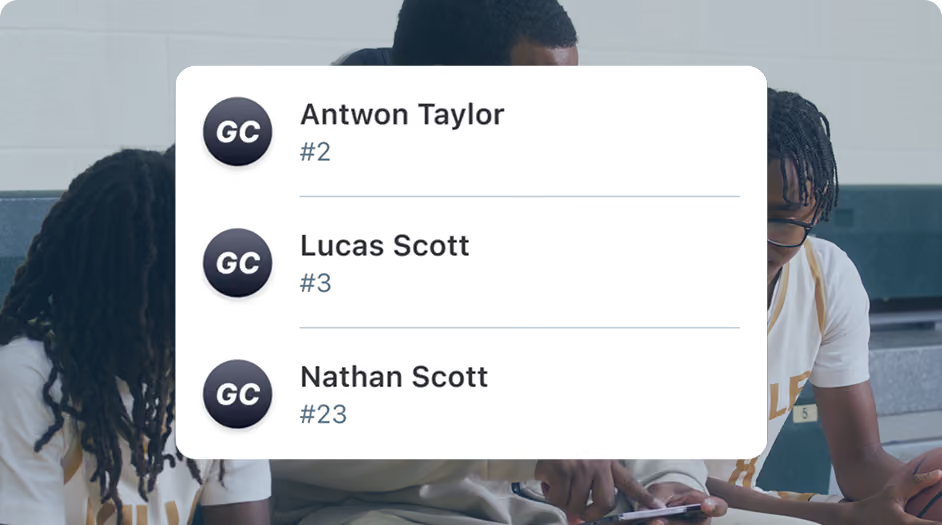
Roll Your Roster Over Every Season
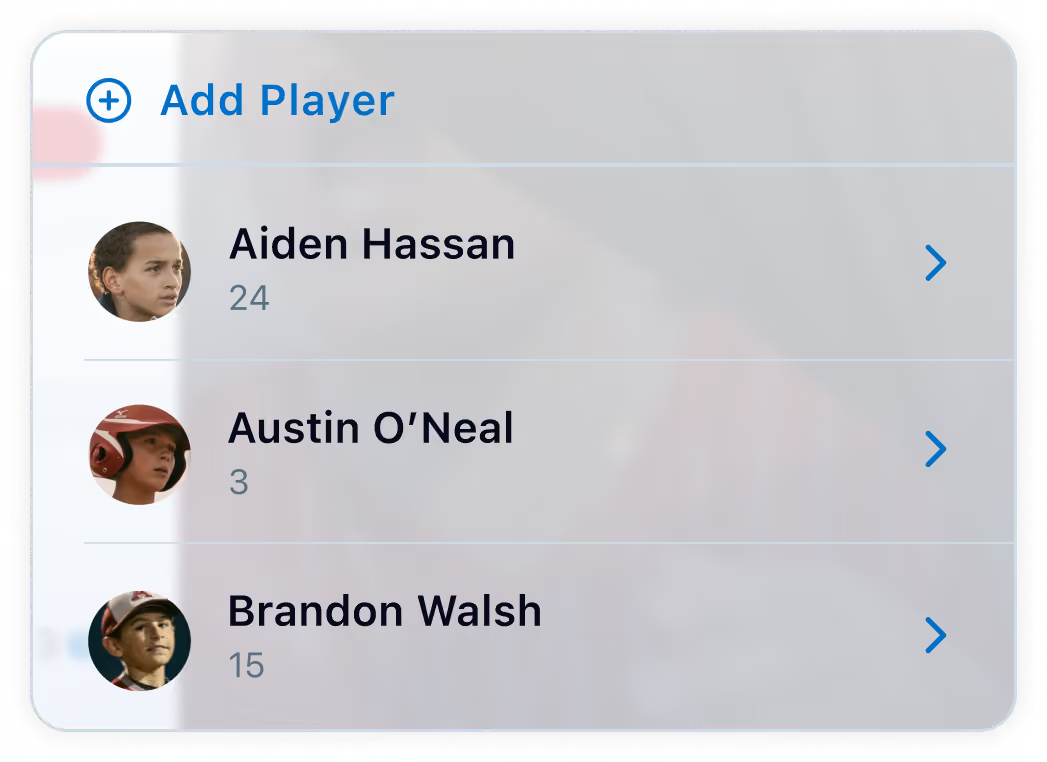
A new season doesn’t mean starting from scratch. Roster rollover carries over your entire roster, players, families, and staff, exactly as it was. No re-entering names or reintroducing old typos. Preseason setup takes even less time, and returning families are already connected before the first practice.
When, Where, And Who: Simplified

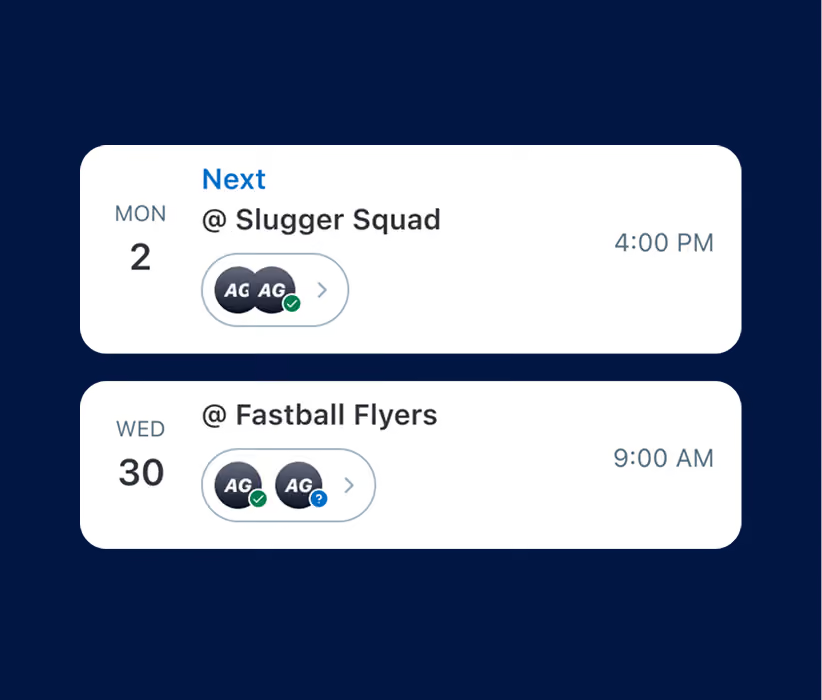
Schedules Everyone Can Follow
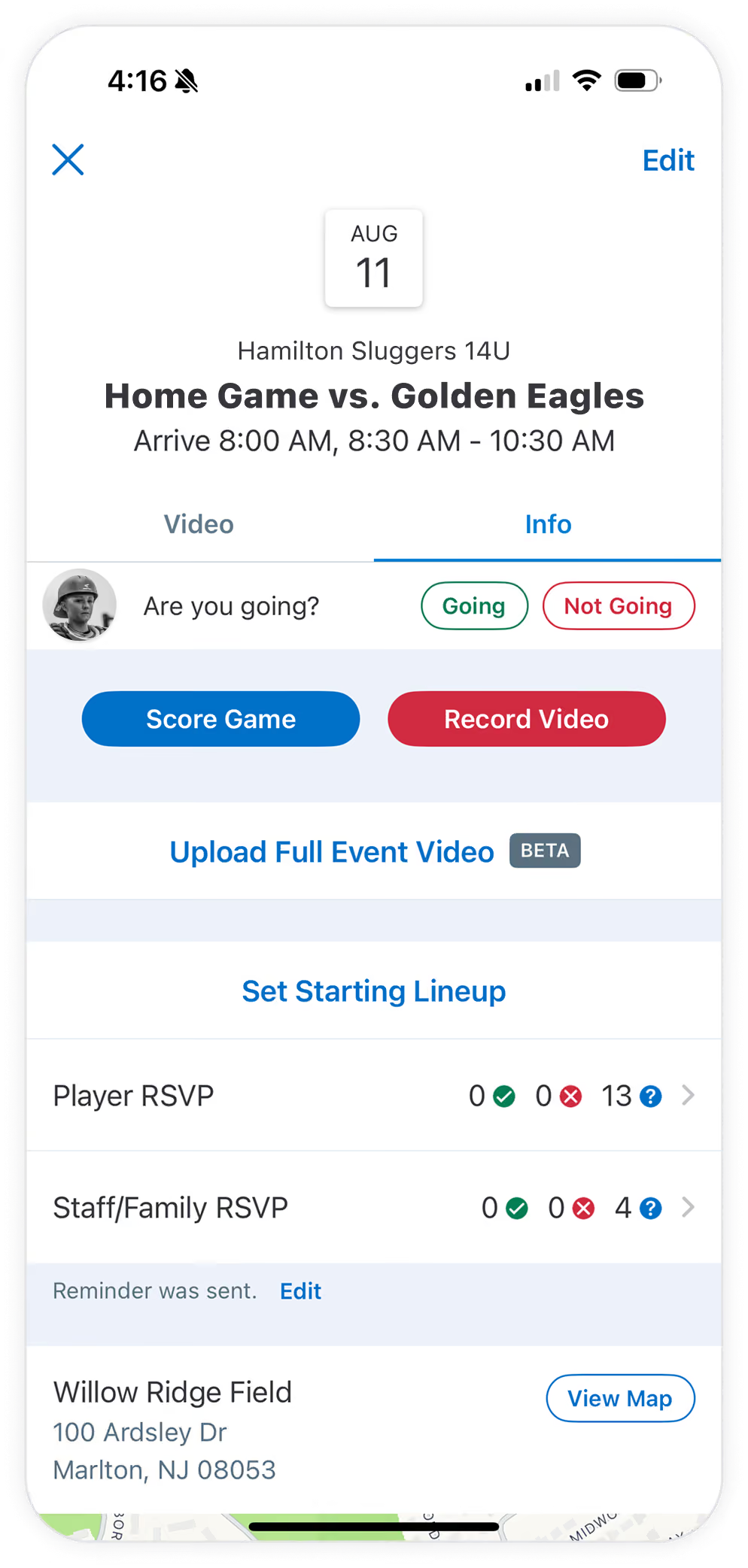
Add every game, practice, and event to one shared schedule, complete with start time, location, and even the hourly weather. It all lives right in the GameChanger App. Even your team dinner, parent meeting, picture day — nothing gets lost in the mix.
Once it’s set, the whole team gets notified automatically. There’s no separate message to send for every change.
One Less Calendar to Remember to Check
Sync the schedule straight to a personal iOS or Google calendar in just a few taps, so games and practices show up right alongside everything else in your day, exactly where you want them.
Reminders also remain adjustable, just like you’re used to, so games and practices stay visible even on the busiest mornings.
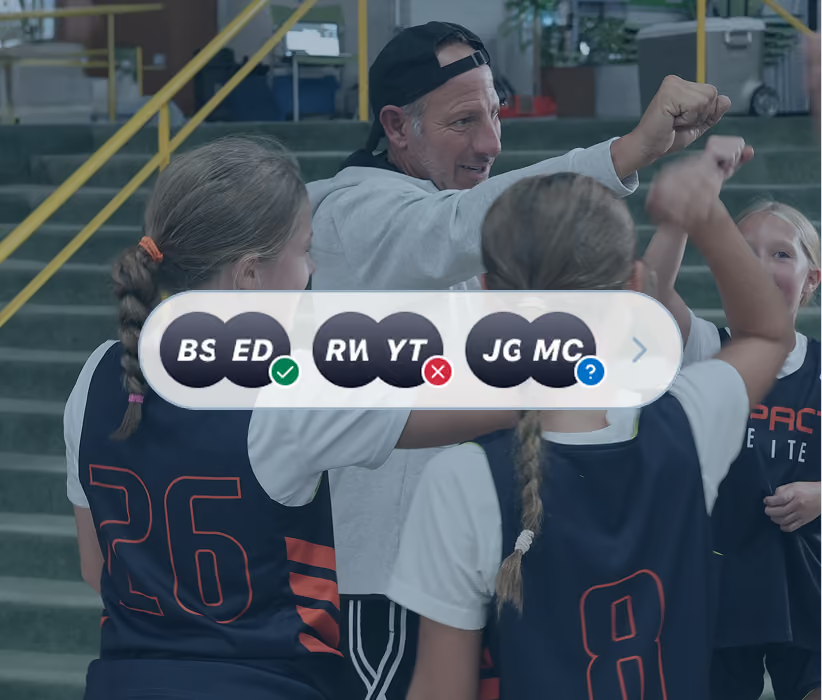
Know Who’s Gonna Show
A quick tap marks you going or not going, for one event or a dozen at once, so lineups, carpools, volunteer slots, and game-day streamers get planned around who’s actually coming.
A parent can RSVP for their player, staff can update it for the whole team, and reminders go out automatically to anyone who hasn’t responded.
Get Started In Minutes
Every GameChanger tool is always free for coaches and up to four staff members.
Create Free Account
Everyone's In the Loop
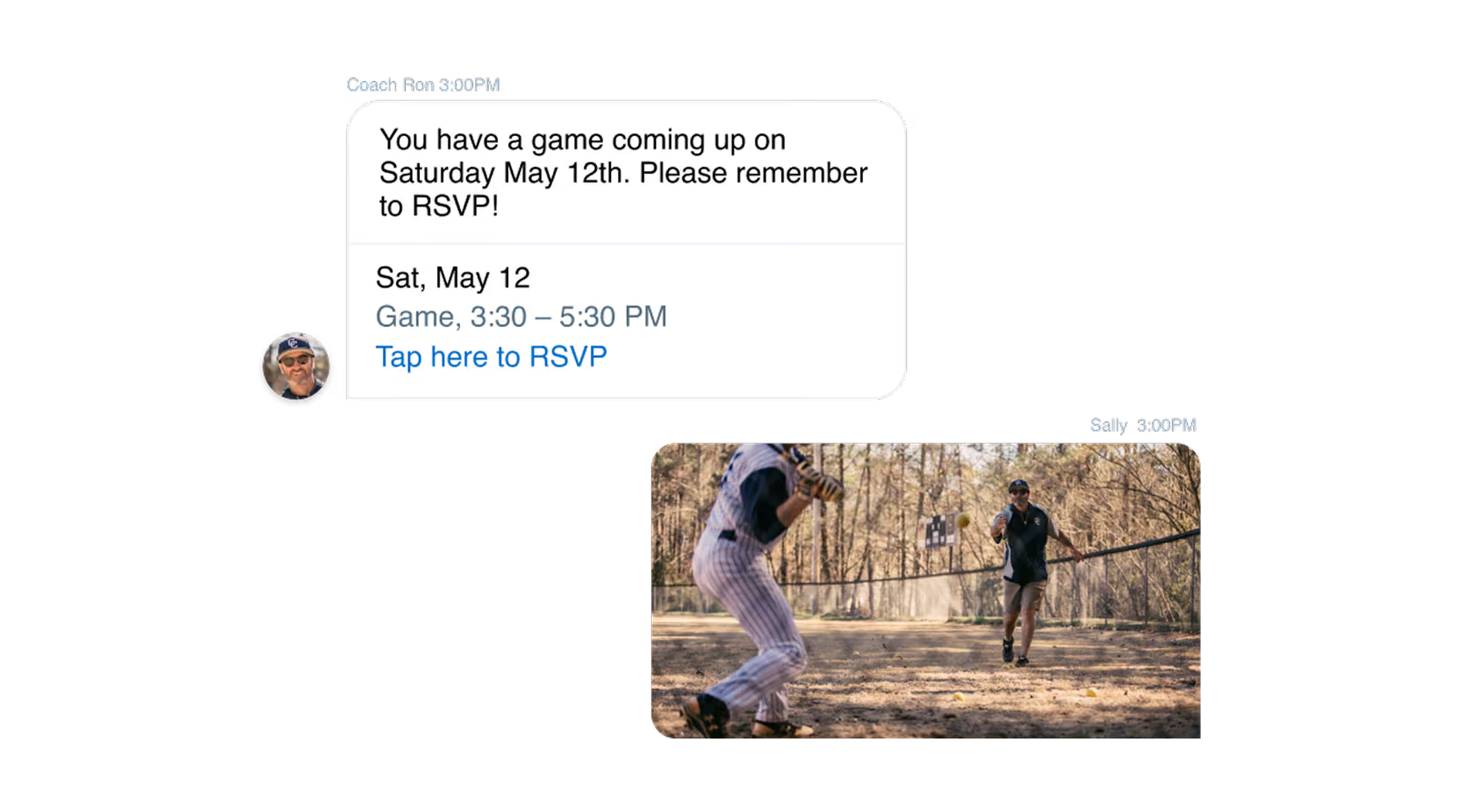
Convos Worth Keeping Up With
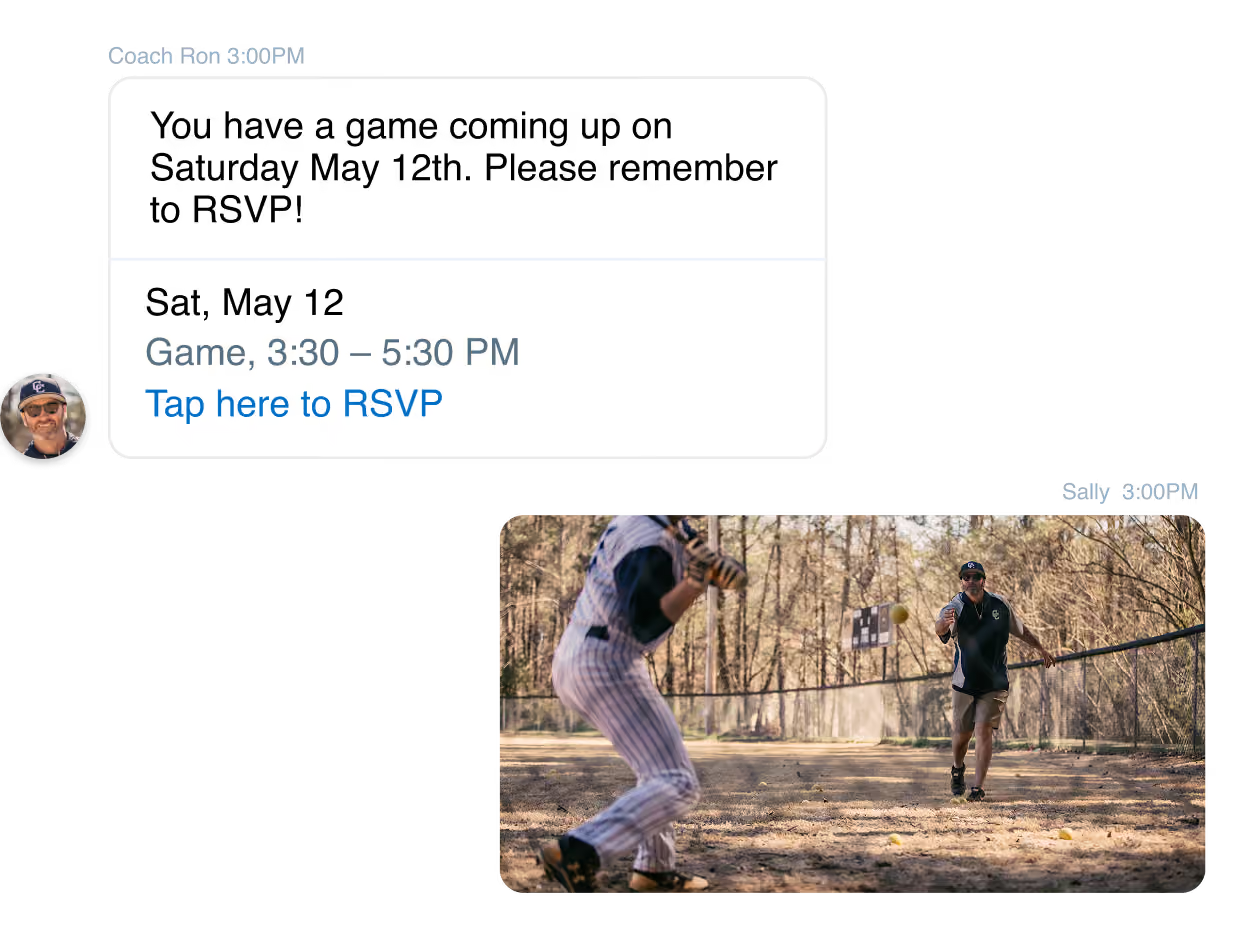
Message the whole team, a smaller group, or even just one person, right inside the GameChanger App. From a canceled game to a practice that moved indoors, it all stays in one place instead of scattered across separate texts.
New players and families get added to the team channel automatically, and everyone gets notified the moment something's posted.
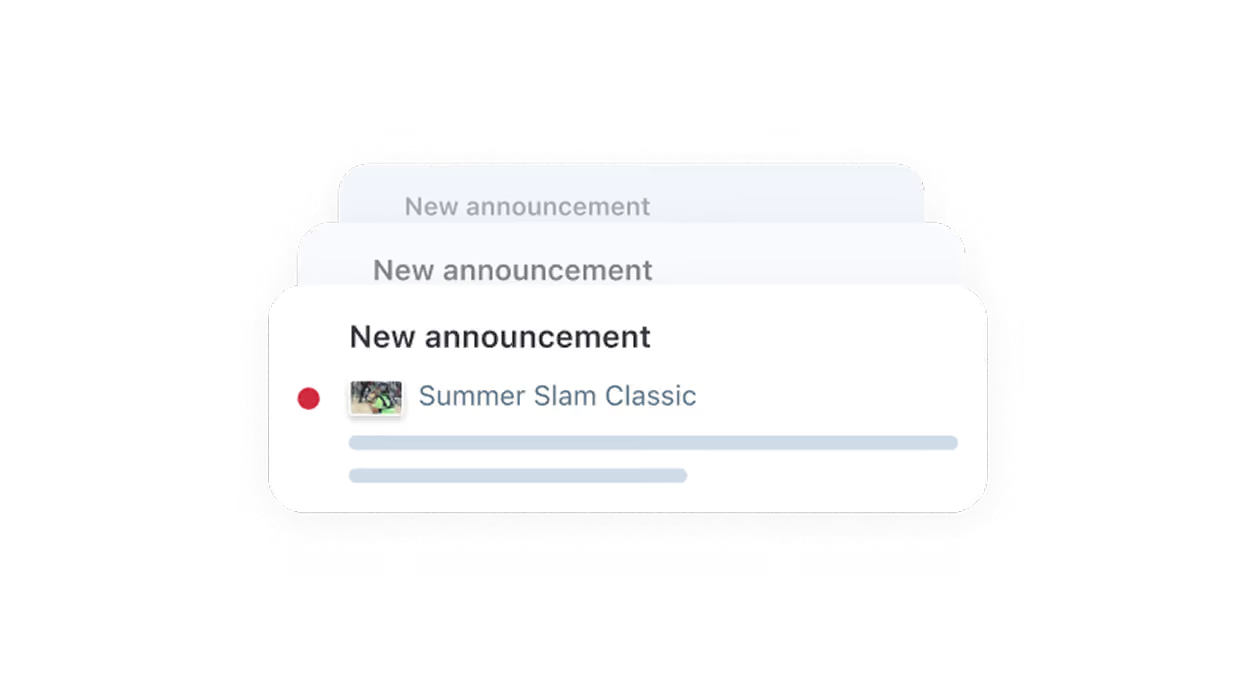
Info That Needs Seen
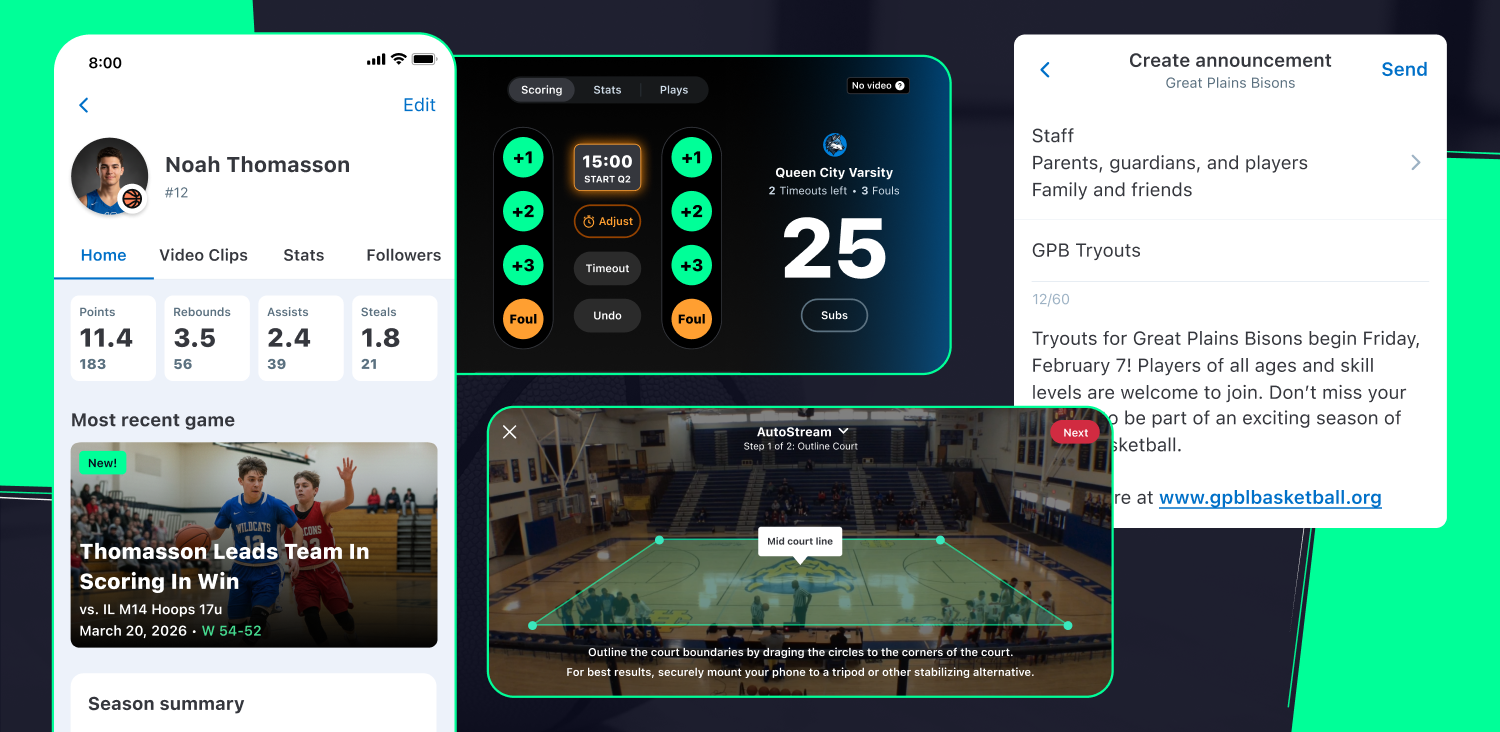
Some updates aren’t a conversation, they’re a timely heads-up. Schedule changes, weather delays, and tournament details could go unread in a busy or underused chat thread. Now they go out as an official announcement in a dedicated one-way, in-app channel.
Coaches and staff can send announcements straight to their team, and org admins can reach every team, coach, and staff member they oversee. Either way, a read count shows exactly how many people opened it to know if it reached the masses.
But Wait, There's More Team Management
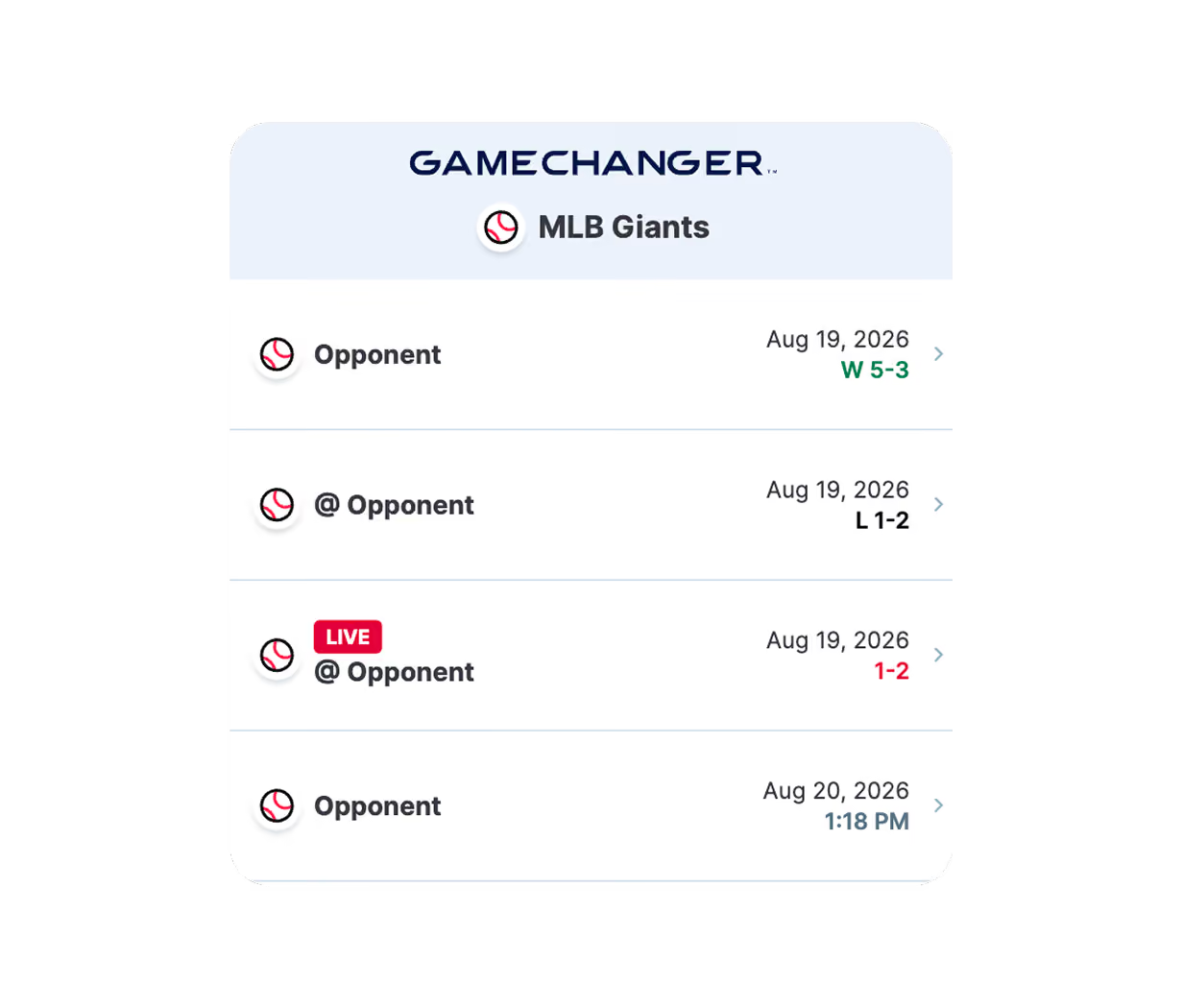
Bring the Scoreboard to Your Website
Embed your team’s live schedule and scores right on your website, or just drop a link in your team’s social bio. Either way, fans land straight on your GameChanger page to view scores, schedules, and live streams without having to search for it.
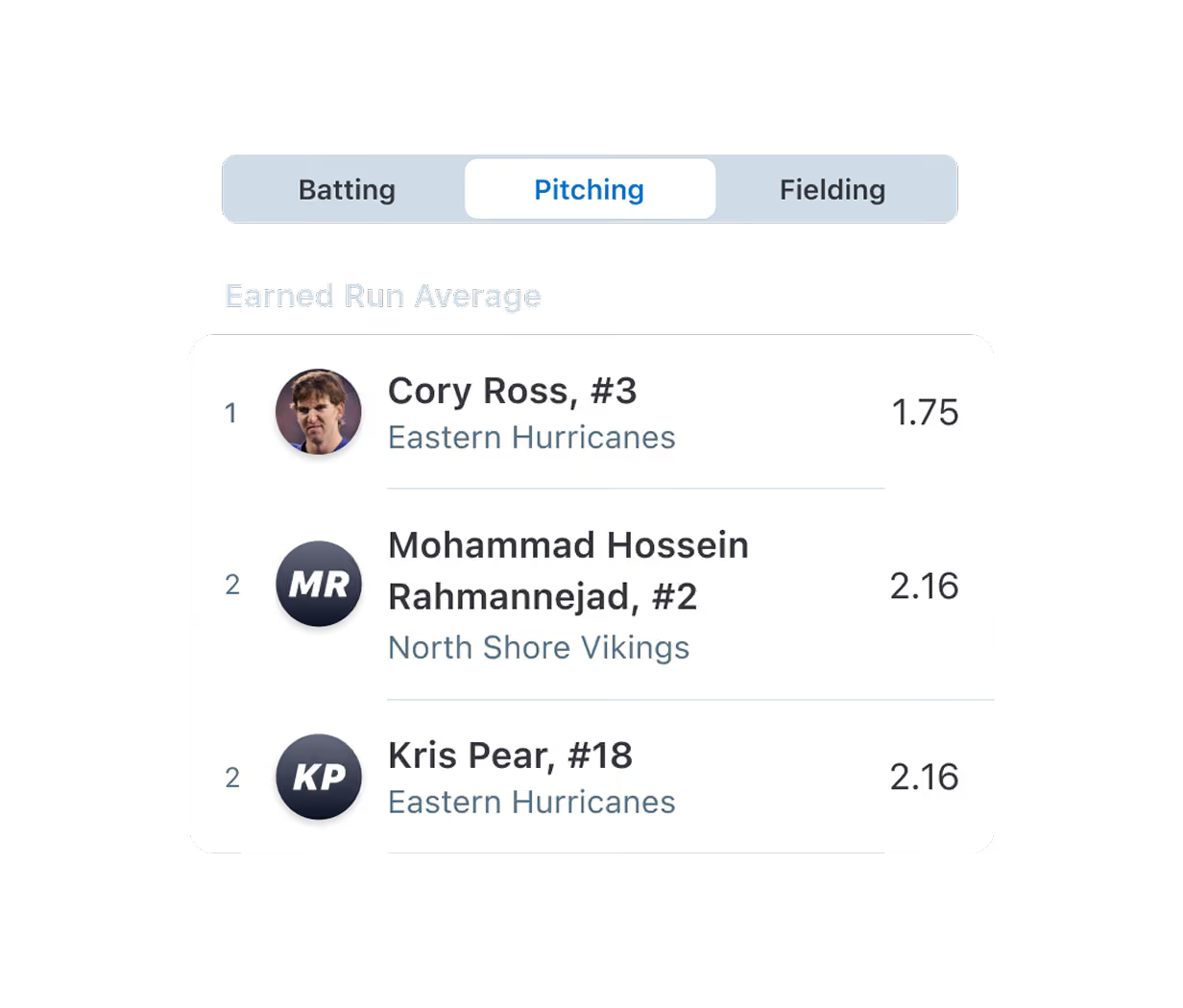
Crown Your League’s Top Performers
Organization admins get one ranked view of every top hitter, pitcher, and fielder across the whole league without the pain of manual tracking. Use it for social shoutouts, postseason awards, an all-star squad, or exportable reports for the league.
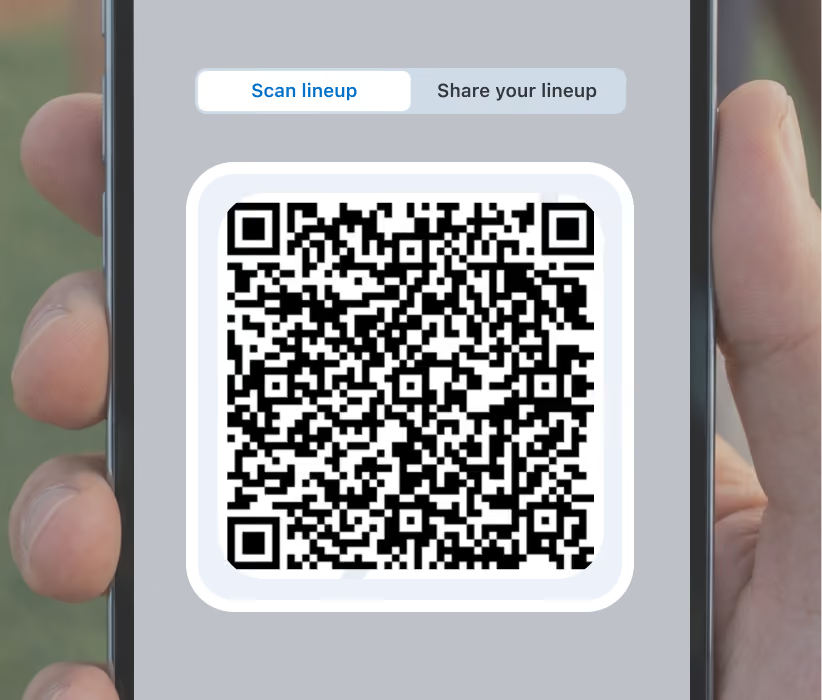
Skip the Pregame Paper Swap
Once both teams set their starting lineup, one quick QR code scan pulls the opponent’s lineup straight into your in-app scorebook, matched to their roster and ready to score before the first pitch.
I coached for 26 years and when I found out about GC and started using it....it was the BEST app for us coaches and REALLY did help me!! I appreciate y’all all of these years for making my job much easier!!! THANK YOU!!!

“GameChanger is an excellent mobile app for managing a team. I have been using it for over 10 years now, and they continue to make it better.”
Team Management Building Blocks
Get the low-down on team setup with these helpful how-to videos.

Team talk
Read about the latest team management features and updates.

GameChanger team management Questions
Once you have made yourself an account on GameChanger, choose “Create New Team” in the app or “Add Team” online to get started. Then, select your team’s sport and enter basic team information and begin adding team staff and players.
Yes! The GameChanger App is free to download and it is completely free to create a team and utilize team management features. All GameChanger features — including premium features — are completely FREE for coaches and staff to use for their team.Parents and fans can join a team and utilize team messaging, scheduling, and RSVP for free. Additional features for parents and fans, like unlimited baseball and softball live stream viewing, highlight clips, and box scores, are available with a subscription starting at $9.99 per month (or $39.99 billed annually).




