


Everything Your Baseball Team Needs
From teeball to travel ball, GameChanger is the only app you need to live stream, score, and more all season long.

Our Trusted Partners








Less Chaos.
More Baseball.
GameChanger gives every coach, parent, and fan the tools to make this their best baseball season yet. Explore what's in it for you.
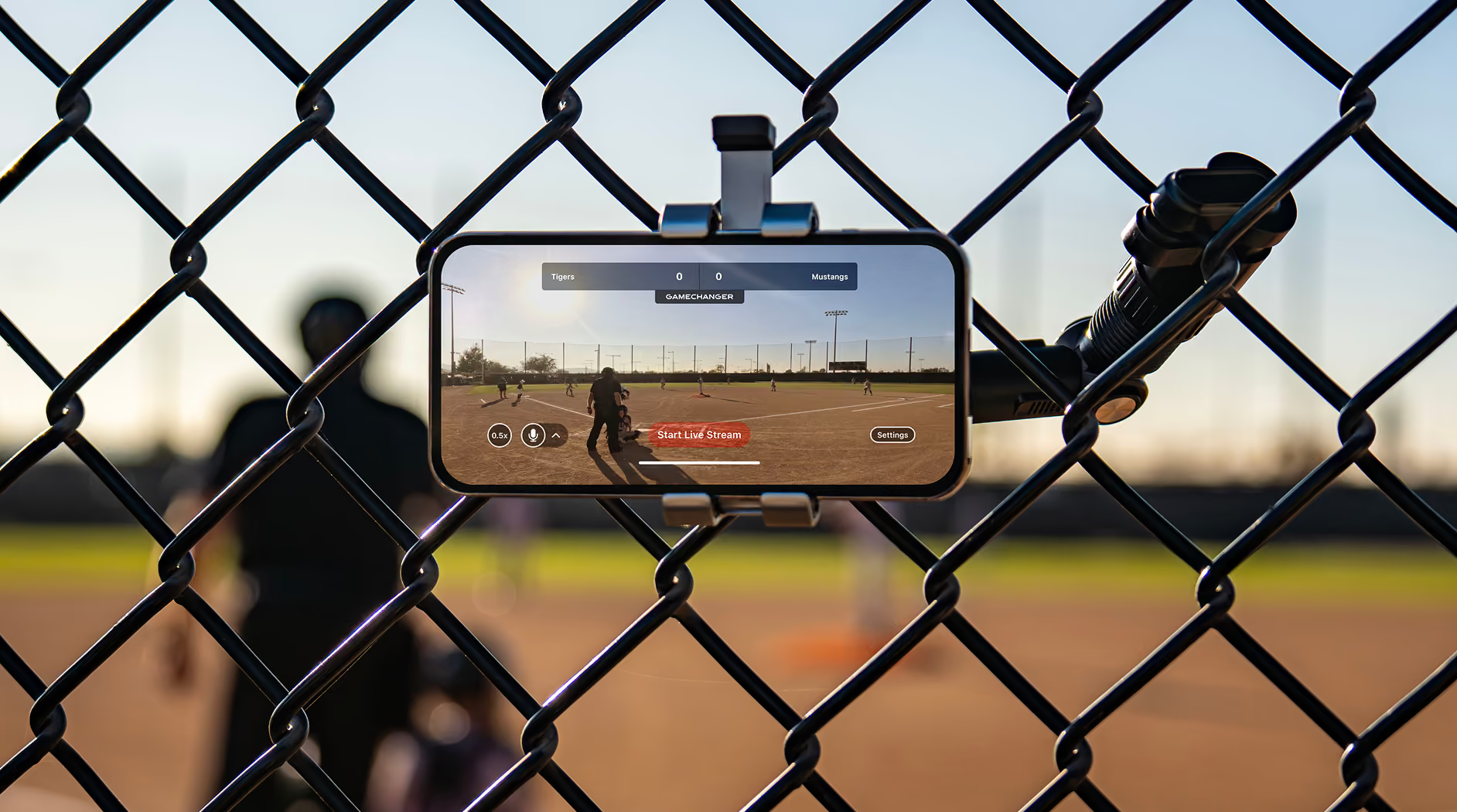
Live Streaming
Family and fans can catch every game live from anywhere in Full HD. Each stream doubles as a full replay too, and the best plays are clipped into shareable memories.

GameStream
No video? No problem. GameStream animates every swing and strikeout in real time, so family and fans still feel like they’re right there at the game.
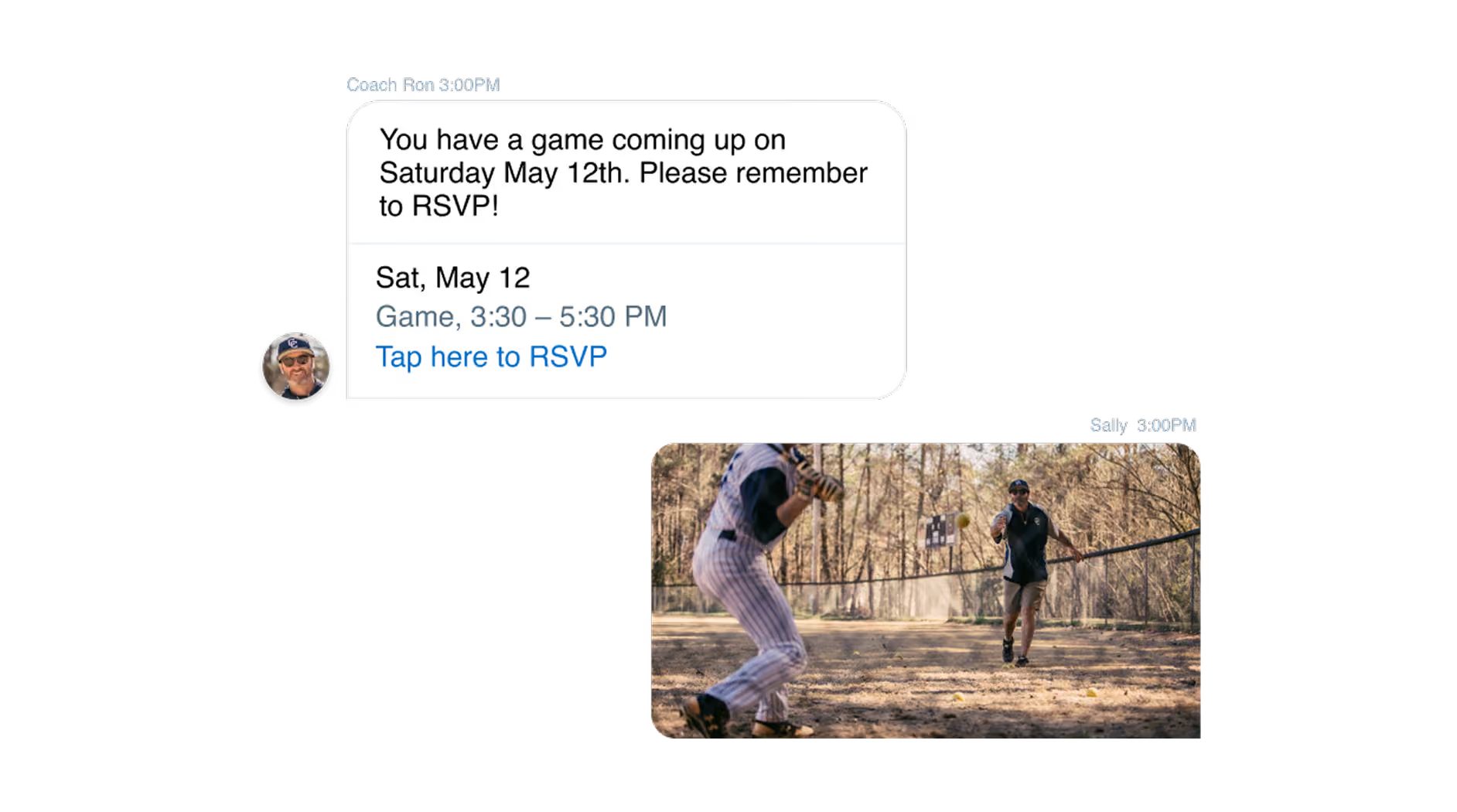
Team Communication
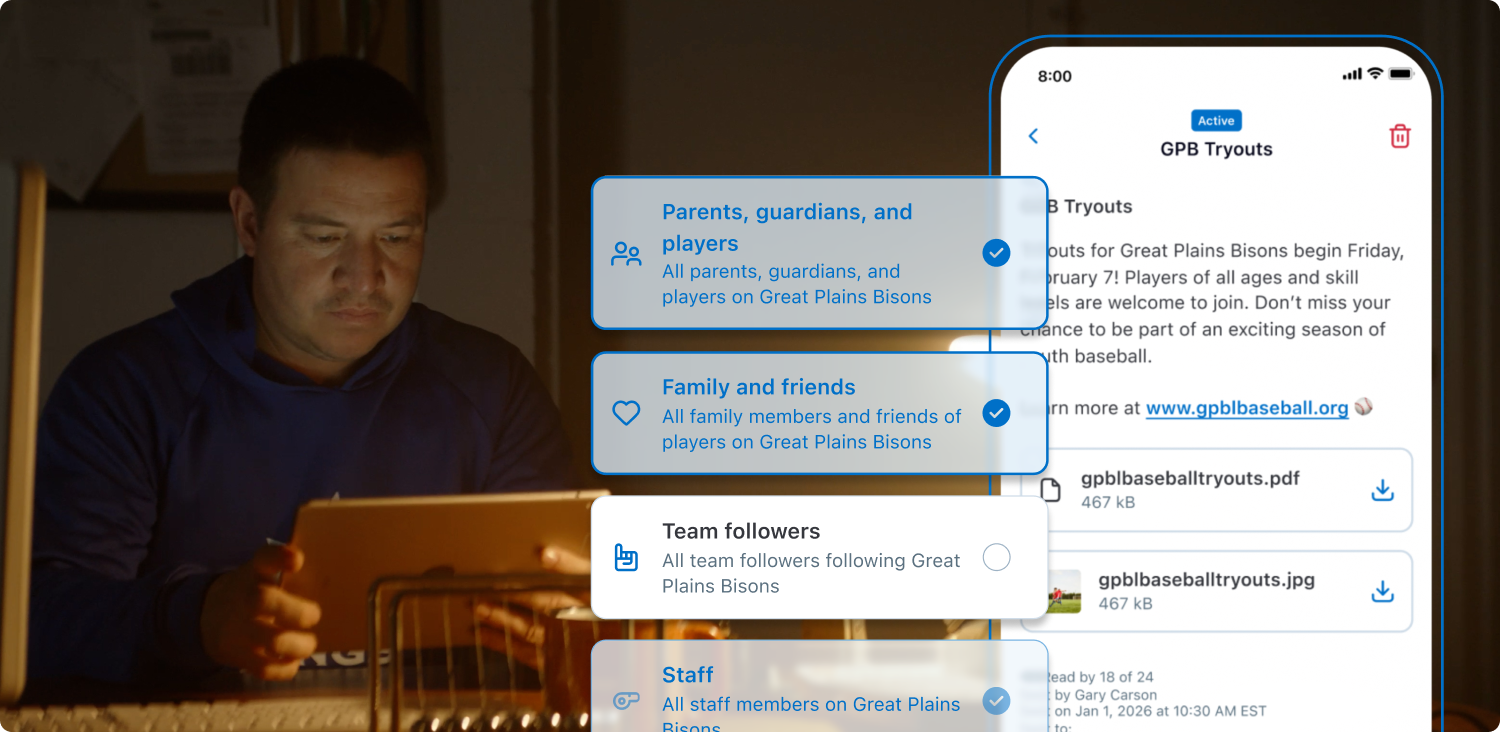
Send an announcement when a doubleheader gets added, keep team chat open for the back-and-forth that follows, and use RSVPs to know who’s showing up for both games.

Scorekeeping and Stats
Score every pitch, at-bat, and out right in the app, and it becomes insightful stats automatically. Coaches spot trends to plan smarter practices, and progress builds inning by inning.
Find The Right Camera For Live Streaming
Compare features on GameChanger-compatible cameras to find the best one for you.
See Cameras
One App For Everyone Who Loves Baseball
Smooth and simple live streaming and scorekeeping tools that keep family and fans connected and coaches and staff dialed in to key stats and insights.
.avif)
Run your team, develop your players, and make smarter decisions for free in one app. GameChanger is always free for coaches.
Stay connected from anywhere with Full HD live streams, real-time scores and alerts, and game highlights.
See More.avif)
“Great user interface. Love being able to stream video and score from the same device. Smooth integration with Mevo Start camera. Helpful statistical computations and aggregations from pitch-by-pitch data.”

“GameChanger is an excellent mobile app for managing a team. I have been using it for over 10 years now, and they continue to make it better.”
trusted by millions of coaches and families nationwide
1M+
10M+
10M+
6M+

.avif)
The only app you need this season
Dive deeper into product features with a personal demo from one of our GameChanger Baseball experts.
gamechanger Academy
Helpful how-to videos to become a GameChanger Baseball pro.


The Box Score
Read the latest product updates, announcements, and more from GameChanger Baseball.
GameChanger Baseball Questions
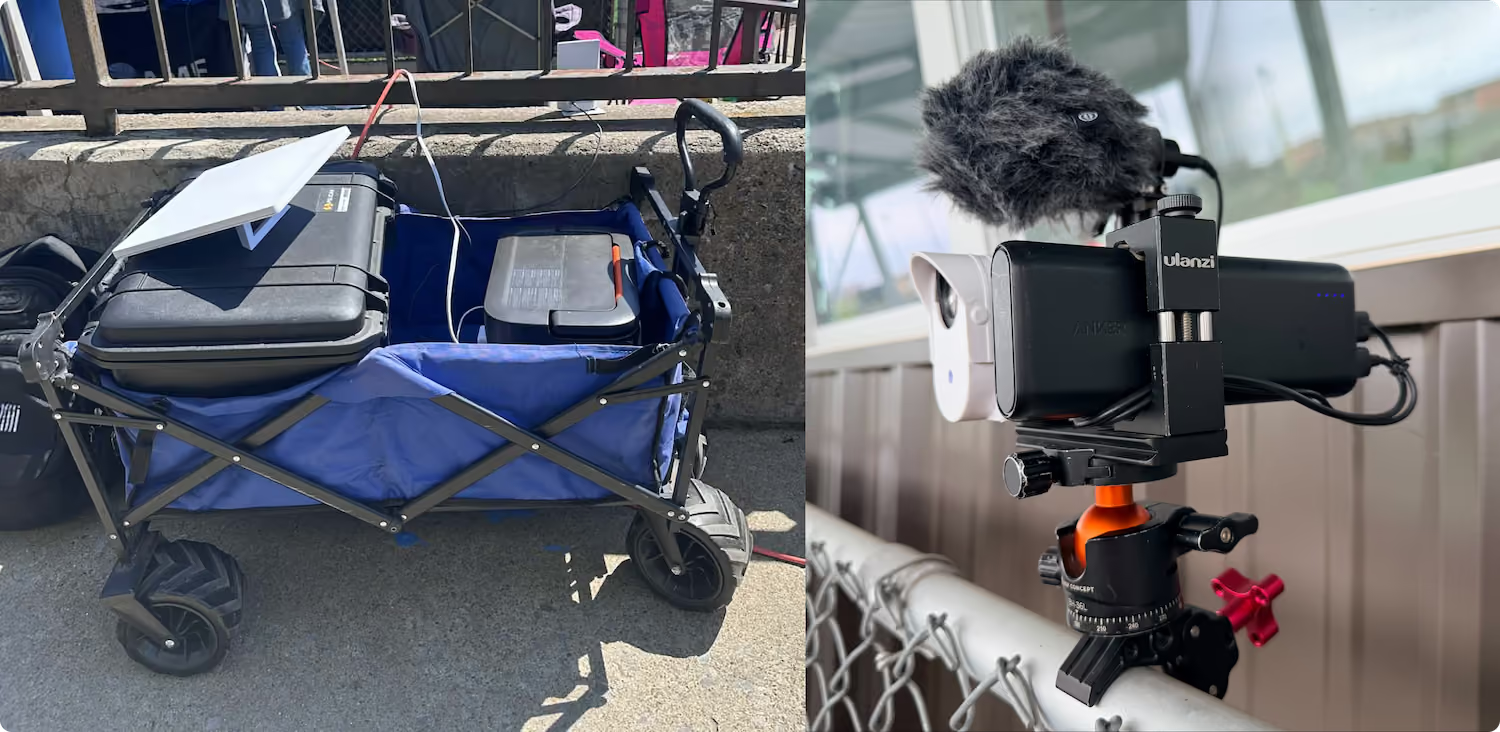
Starting a baseball live stream is easy! All you need is a steady mobile device. Team staff or confirmed team members (on teams with streaming permissions set to confirmed members) can open the GameChanger App, head to the team’s Schedule tab, select the desired event, and then press “record video.”
GameChanger allows confirmed family and players to broadcast games live in all sports by default. Team staff are also able to designate certain community members as videographers by updating the Team Permissions from their Team tab.
The videographer can choose to allow either only family members and players (if the players are old enough to have their own account) to watch the live stream, or they can also include team fans in the audience, along with family members and players.
Now, any confirmed team member can score a game with updated scoring and streaming permissions! To score a baseball game, open the GameChanger App and select the game you’d like to score from the team’s Schedule tab. Then tap “score game” to set the lineups and begin scoring. You can always practice scorekeeping in the app to get a feel for how to score basic plays before game day.
Yes! You can edit plays and player assignments, including plays that were unassigned in real time. Do this by scrolling down to the “plays” section of the scorekeeping page, and selecting the play you wish to edit.
Yes! Box scores are available both in the app and on the web once a game is complete. Team staff can navigate to the Schedule tab and then choose the game with the box score they wish to edit.
Yes! The GameChanger App is free to download. All GameChanger features — including premium features — are completely FREE for coaches and staff to use for their team. Parents and fans can join a team and utilize team messaging, scheduling, and RSVP for free. Additional features for parents and fans, like unlimited baseball and softball live stream viewing, highlight clips, and box scores, are available with a subscription starting at $9.99 per month (or $39.99 billed annually).
Yes, all users can watch up to five baseball or softball live streams for free before being prompted to sign up for a paid subscription. Live stream viewing of other sports like basketball, volleyball, and soccer, remains completely free.




