
Live the game
like never before
Stream, score, and stay connected to your team with the #1 youth sports app in America.


Coach Smarter
Stay organized, prepared, and confident all season with every coaching tool in one place.
Learn More


Connect Live
Stream every game live and never miss a moment, wherever the season takes you.
Learn More


.svg)
Replay the action
Watch, relive, and share highlights and milestones of your athlete's journey.
Learn More


Our Trusted Partners Across the Country









Less admin, more coaching


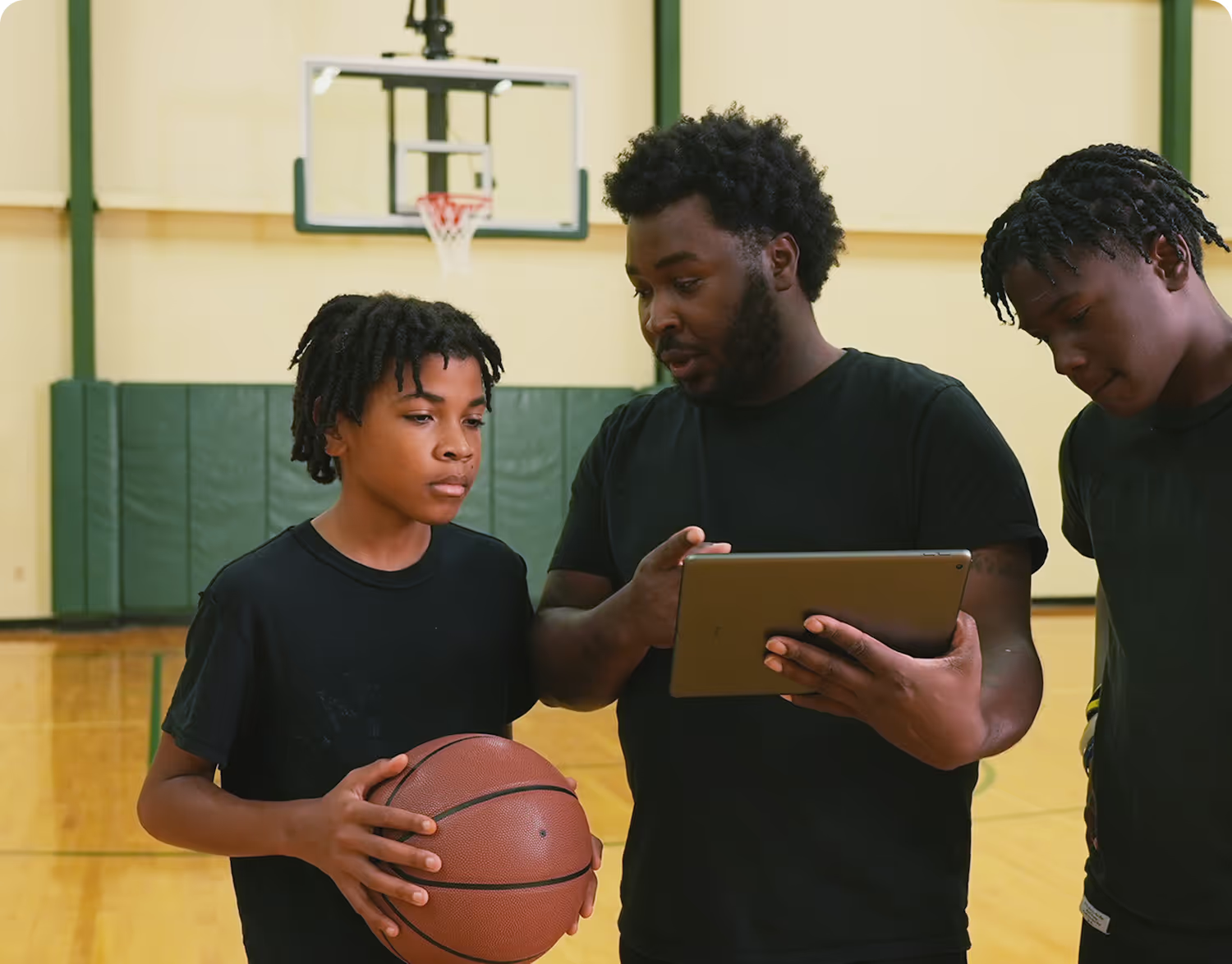
Everything youth sports coaches and staff need to run the team in one app, including scoring, lineups, scheduling, and team messaging.
For CoachesCheer from
anywhere
Take the game anywhere you go, share big plays, and experience the action as if you were there.
For Families and FansFrom the Crowd
4.9 / 750K+ Reviews

trusted by millions of coaches and families nationwide
1M+
10M+
10M+
6M+
Live the game like never before
The only app you need this season
Managing your youth sports team can be a lot of work. GameChanger makes it easier. Get started today.
GameChanger Questions
Yes. The GameChanger App is free to download. All GameChanger features are completely free for Coaches and Staff to use for their team.
For families who want more, additional features for Parents/Guardians, Family Members, and Fans, like unlimited baseball and softball live stream viewing, highlight clips, and box scores are available with a monthly or annual subscription starting as low as $3.33/month. See subscriptions.
Yes. All users can watch up to five baseball or softball live streams for free. Once complete, upgrading to Plus, Premium, Family Plan, or Team Pass will continue to give you access to view live streams. Unlimited live stream viewing of other sports like basketball, volleyball, and soccer remains completely free.
The videographer can choose to allow either only family members and players (if the players are old enough to have their own account) to watch the live stream, or they can also include team fans in the audience, along with family members and players.
You can search for and follow a team in the GameChanger App or on the web. Search for your team by name, select the correct team, tap Follow Team, and choose your role. If you're joining as anything other than a Team Follower, a Staff member will need to approve your request.
You can also be invited to follow a team directly by a Staff member via email or push notification. Learn more about Searching and Adding Teams to Your Account.
In the app: When a team you follow goes live, you’ll receive a push notification. You can also find active streams from the Home tab, your team’s Schedule tab, or the Video tab in team details. Learn more about Viewing a Live Video Stream in the app.
On the web: Log into web.gc.com, select your team, and the live stream will appear on the team’s home page if one is active. Learn more about Watching Live Streams on the Web.
On your TV: Mirror or cast from your phone, connect via HDMI, or open web.gc.com in your TV’s browser. Learn more about Streaming GameChanger on TV.
Permissions Note: Team Coaches and Staff members control who can view the team’s live streams — some are restricted to confirmed Family Members and Players only. If you can’t see a live stream of a team you follow, reach out to a Coach or Staff member on your team.




