
Built for coaches

Coaches deserve to focus on the game, not the paperwork. GameChanger gives you and your staff everything you need to run your team in one app — for free.
LESS ADMIN, MORE COACHING
You didn’t get into coaching to sweat the details. GameChanger streamlines coaching so you can stay focused on the game.

Create your team
Easy setup for season-long success. Tap the Create New Team button to get started.

Add roster and schedule
Every player and every game accounted for. It’s all in your Teams and Schedule tabs.

Live stream and score
The heart of the app — this combo unlocks it all. Live stream and score games to connect the team and sharpen decision-making.

Review postgame insights
A full game breakdown in seconds, not hours. Tap the Insights tab after each scored game for instant trends and player patterns.
Bring the Team
Give your entire team full access to the most powerful features this season.
Get Team Pass
Always Free For Coaches.
All Of It.
Every tool and insight is in your back pocket at no charge to you and up to four staff members.
Team Management
Learn more →Team Announcements
Send one-way team updates in seconds.

Scheduling
Share your schedule with players and parents.
Team Chat
Chat with parents and players in one place.
RSVPs
Track who’s coming (and who might live stream).
SCORekeeping
Learn more →Score
Score every game live from your phone.
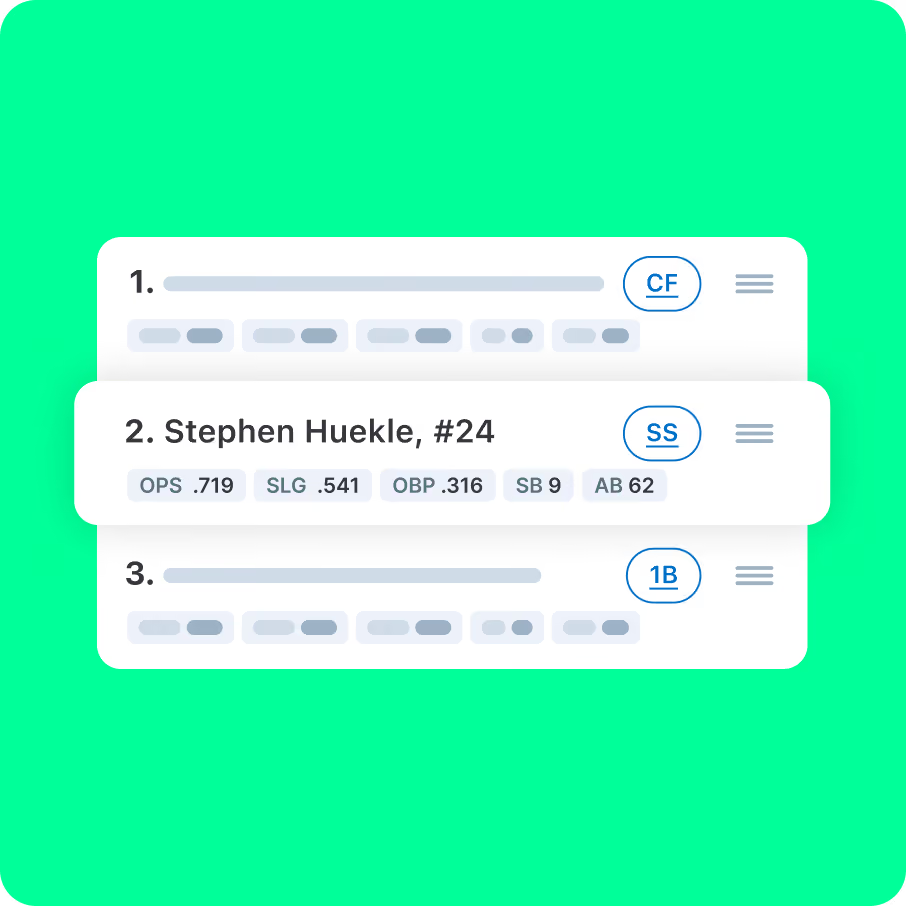
Lineup Recommendations
Build winning lineups in minutes, not hours.
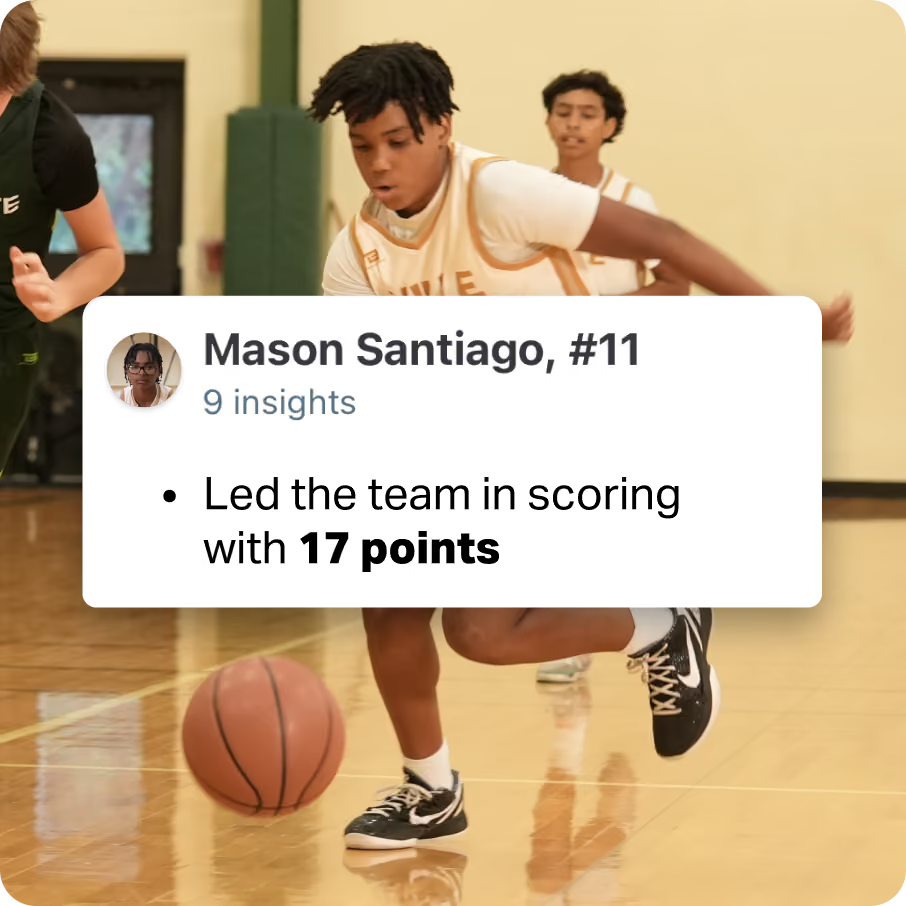
Game Insights
Spot key trends the moment the game ends.
Situational Stats
Break down stats by the moments that matter.
live streaming
Learn more →Broadcast Games
Stream games straight from your phone.
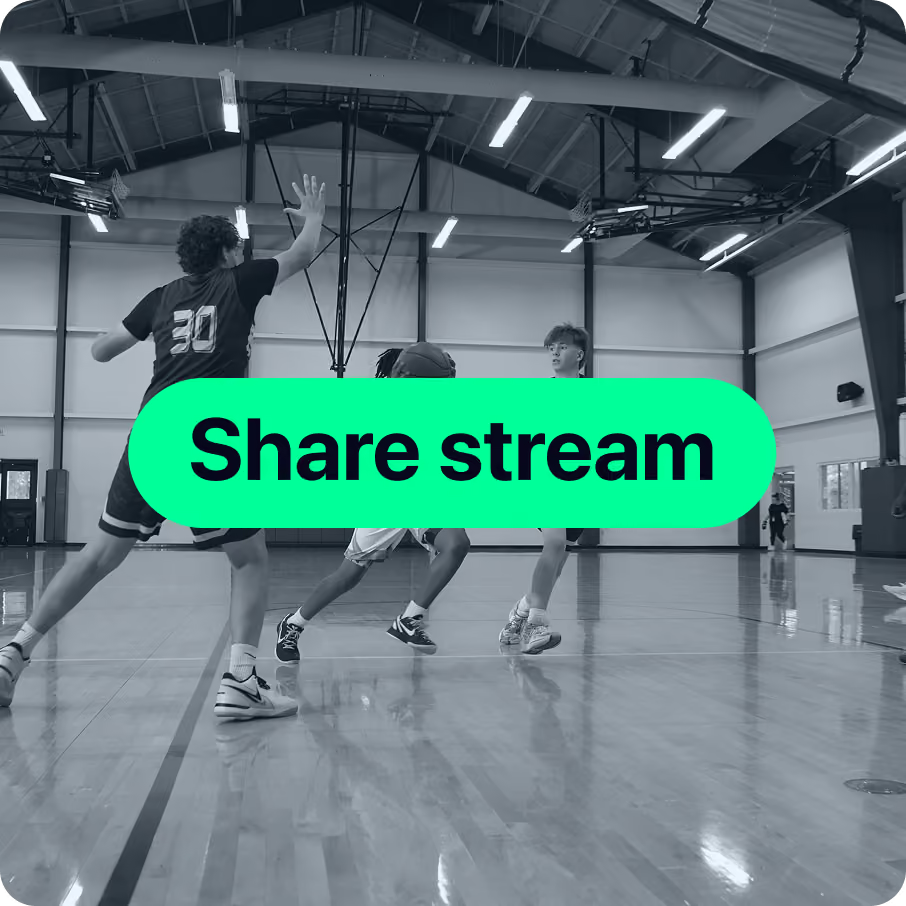
Shared Streaming
Share one stream with both teams.
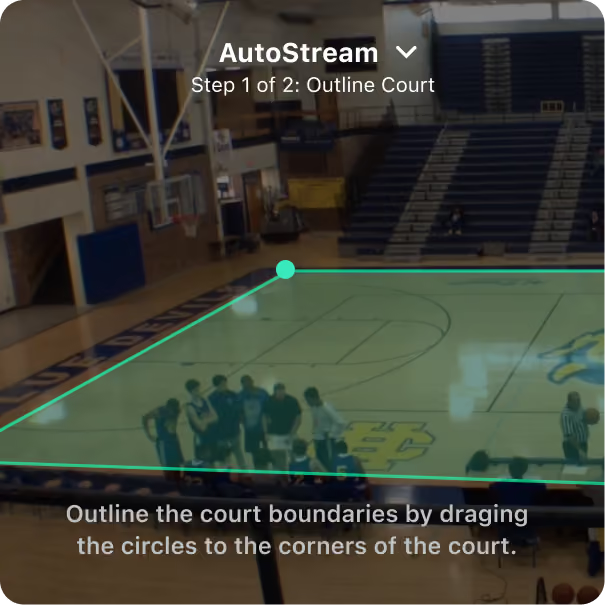
AutoStream
Get footage without manual panning.
Score While Streaming
Broadcast games and track points from one device.
stats and Insights
Learn more →
Highlight Clips
Get shareable highlights, automatically.
Spray Charts
See exactly where hitters do damage.

Player Position Tracking
Track playing time across every position.
Team and Player Insights
Make smarter lineup and coaching calls.
trusted by millions of coaches and families nationwide
1M+
10M+
10M+
6M+
“I rely a lot on data in my career, so this was no different. I found a tool that gave me data to make intelligent decisions instead of just going with my gut.”


The only app you need this season

Let GameChanger bring your coaching vision to life. Get started today for free.
Coaching Questions?
Starting a live stream is easy! All you need is a steady mobile device. Team staff or confirmed team members (on teams with streaming permissions set to confirmed members) can open the GameChanger App, head to the team’s schedule tab, select the desired event, and then press “record video.”
GameChanger allows confirmed family and players to broadcast games live in all sports by default. Team staff are also able to designate certain community members as videographers by updating the Team Permissions from their Team tab.
The videographer can choose to allow either only family members and players (if the players are old enough to have their own account) to watch the live stream, or they can also include team fans in the audience, along with family members and players.
Now, any confirmed team member can score a game with updated scoring and streaming permissions! To score a game, open the GameChanger App and select the game you’d like to score from the team’s Schedule tab. Then tap “score game” to begin. You can always practice scorekeeping in the app to get a feel for how to score basic plays before game day.
Yes! You can edit plays and player assignments, including plays that were unassigned in real time. Do this by scrolling down to the “plays” section of the scorekeeping page, and selecting the play you wish to edit.
Yes! Box scores are available both in the app and on the web once a game is complete. Team staff can navigate to the Schedule tab and then choose the game with the box score they wish to edit.
Yes! The GameChanger App is free to download. All GameChanger features — including premium features — are completely FREE for coaches and staff to use for their team. Parents and fans can join a team and utilize team messaging, scheduling, and RSVP for free. Additional features for parents and fans, like unlimited baseball and softball live stream viewing, highlight clips, and box scores, are available with a subscription starting at $9.99 per month (or $39.99 billed annually).
Yes, all users can watch up to five baseball or softball live streams for free before being prompted to sign up for a paid subscription. Live stream viewing of other sports like basketball, volleyball, and soccer, remains completely free. Previously streamed games are available to subscribers and coaches to rewatch at any time.




