

ONE APP TO RUN YOUR FLAG FOOTBALL SEASON

Never miss a snap with live streaming and scorekeeping that generate valuable stats, game insights, and film review. Plus, keep the team connected with free scheduling and messaging.
Less Managing.
More Football.
GameChanger gives every coach, parent, and fan the tools to make this their best flag football season yet. Explore what's in it for you.

Live Streaming
Family and fans can watch every game live from the sideline or the sofa. Stream and score the game to turn tackles and touchdowns into clips automatically, ready to replay and share.
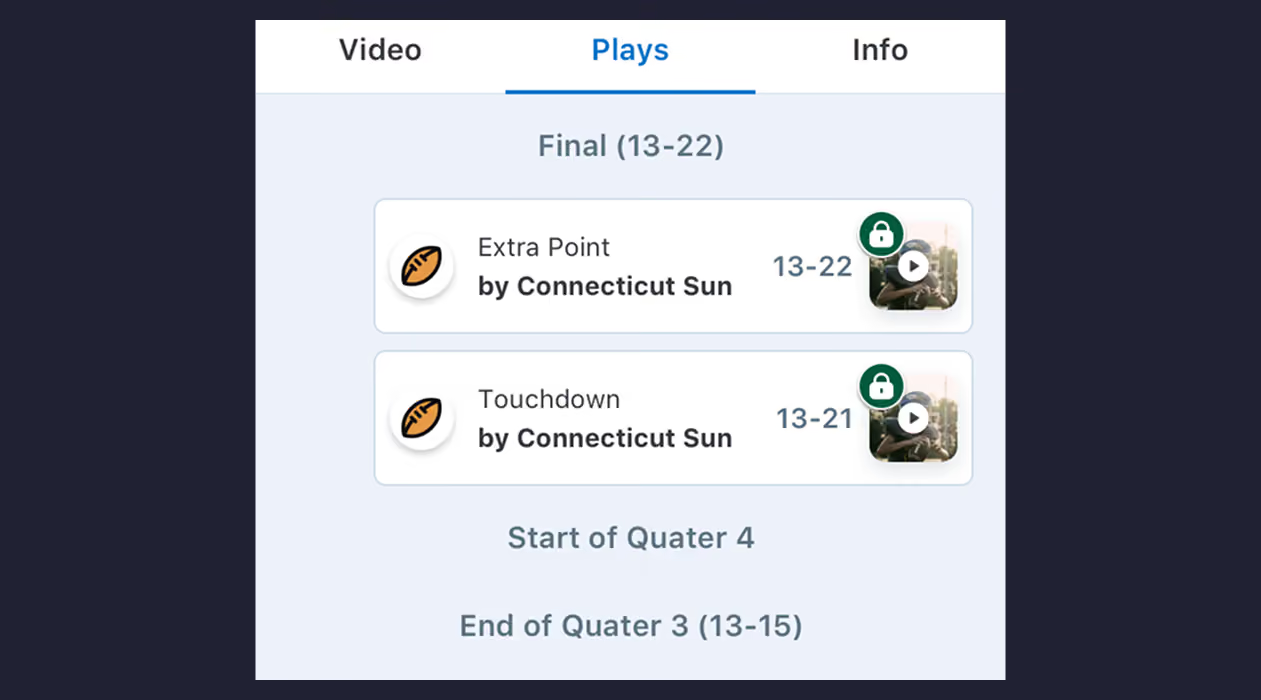
Live Play-by-Play
Turn every game into an easy-to-read summary of touchdowns and total yards with a live play-by-play when you keep score on GameChanger.
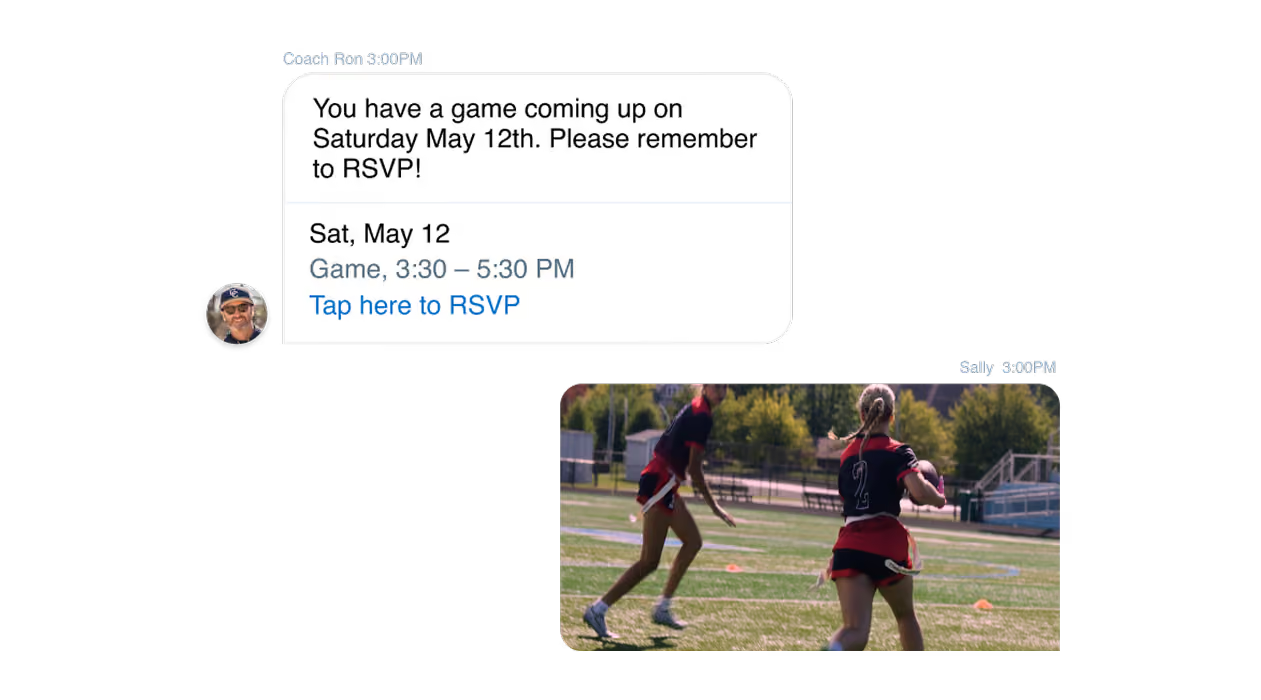
Team Communication
Whether it’s a rained-out practice update or planning that needs a little back-and-forth, every chat message and RSVP lives in one place, so nothing gets missed.
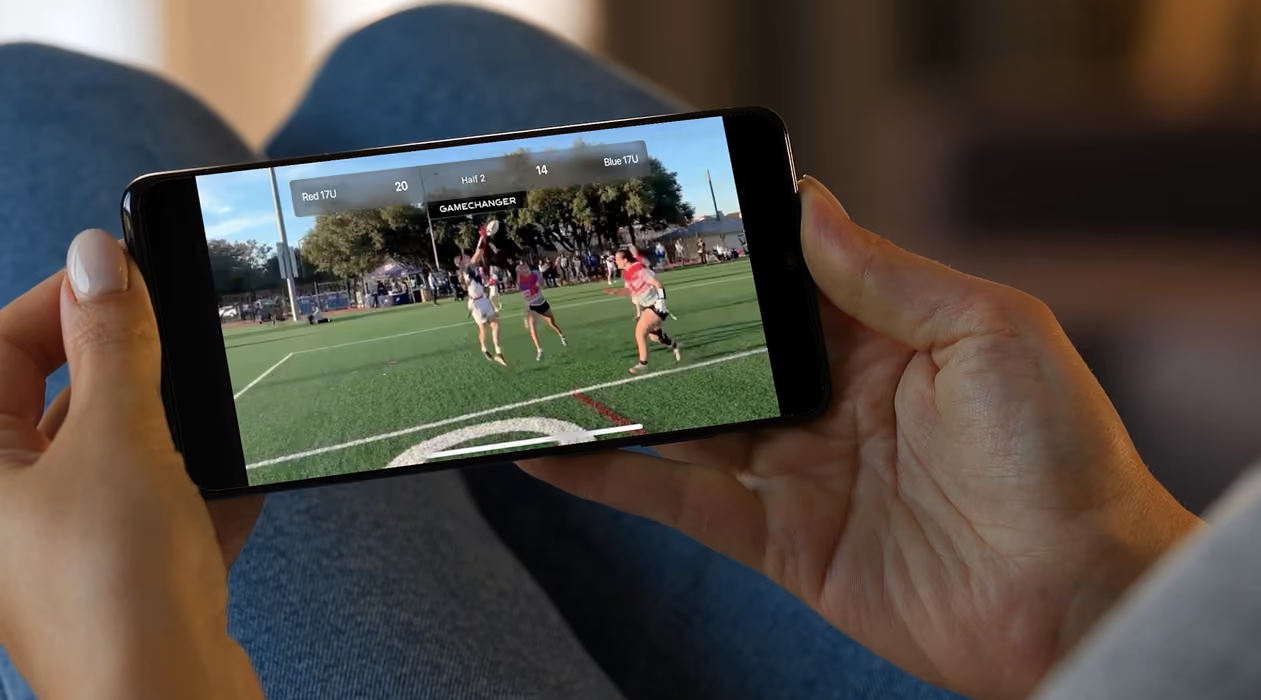
Scorekeeping and Stats
Score the game live in the app alongside or instead of doing it manually. Every pass, run, and play turns into shareable recaps, insights, and a clear game record automatically.
Find The Right Camera For Live Streaming
Compare features on GameChanger-compatible cameras to find the best one for you.
See Cameras
One App For Everyone Who Loves Flag Football
Smooth and simple live streaming and scorekeeping tools that keep family and fans connected and coaches and staff dialed in to key stats and insights.

Run your team, develop your players, and make smarter decisions for free in one app. GameChanger is always free for coaches.
See MoreStay connected from anywhere with Full HD live streams, real-time scores and alerts, and game highlights.
See More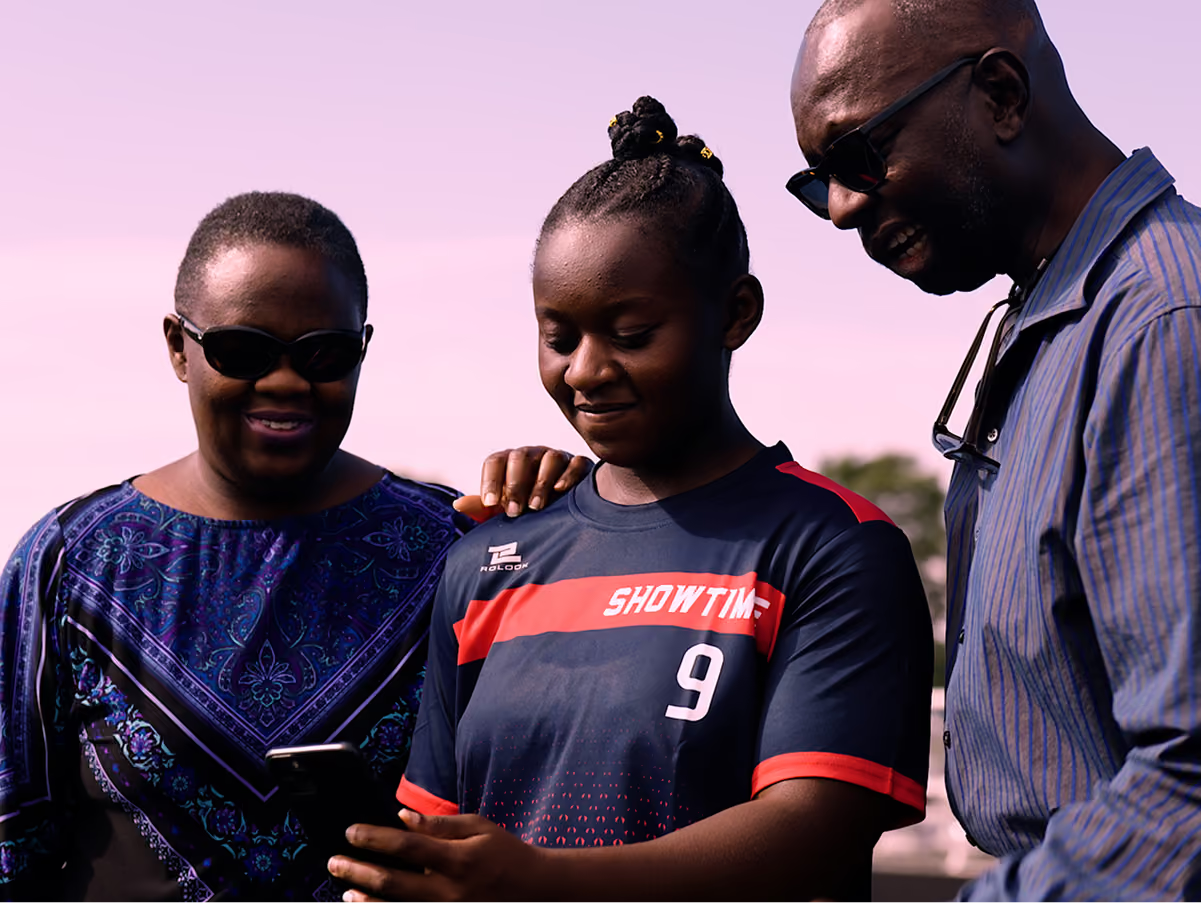
"Great live update ability! The GameChanger platform has been our go-to for baseball and football for the last 4 years! Love it!"


trusted by millions of coaches and families nationwide
1M+
10M+
10M+
6M+

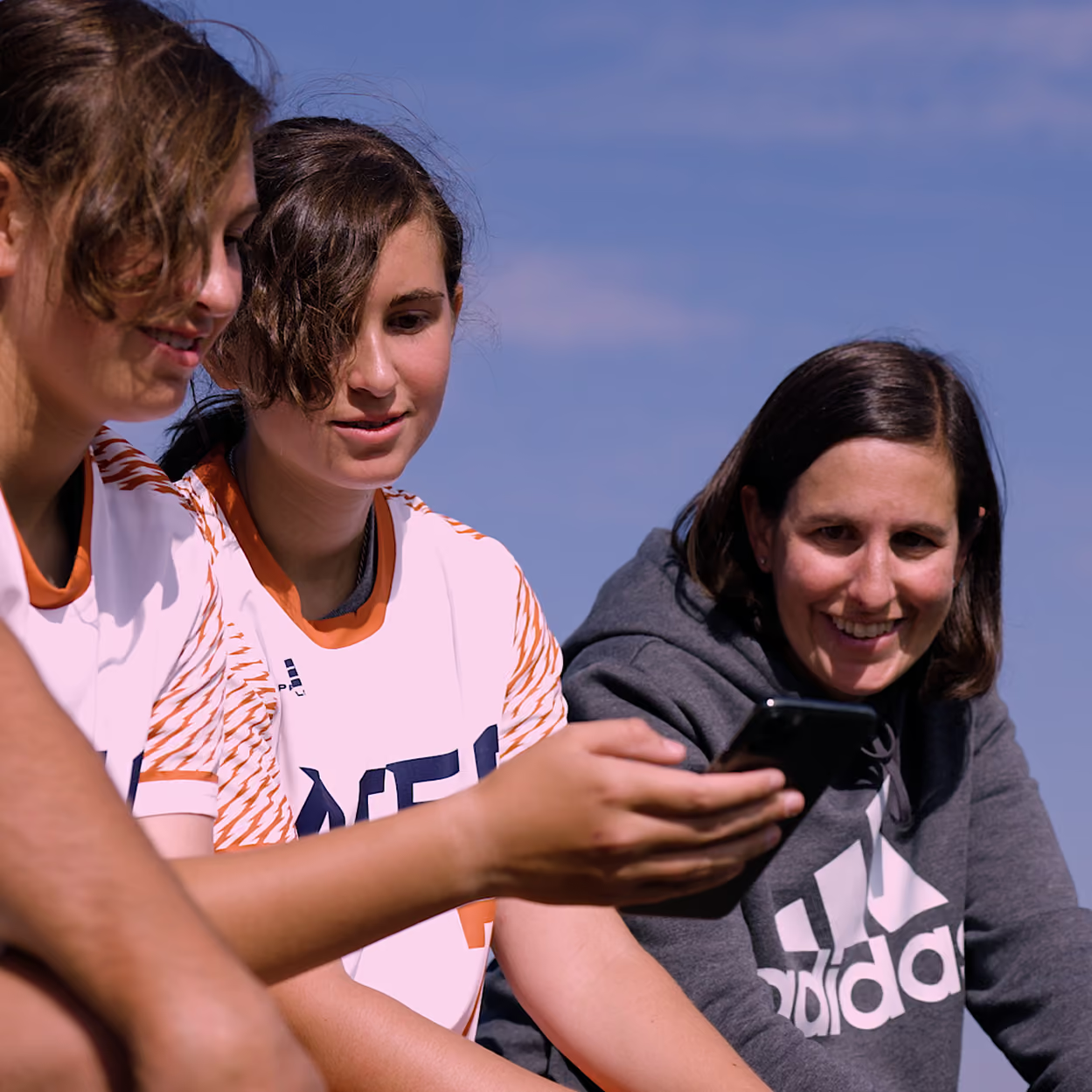
The only app you need this season
Flagged For You
Read what’s new with GameChanger Flag Football.



GameChanger Flag Football Questions
Starting a football live stream is easy! All you need is a steady mobile device. Team staff or designated videographers can open the GameChanger App, head to the team’s Schedule tab, select the desired event, and then press “record video.”
GameChanger allows confirmed family and players to broadcast games live in all sports by default. Team staff are also able to designate certain community members as videographers by updating the Team Permissions from their Team tab.
The videographer can choose to allow either only family members and players (if the players are old enough to have their own account) to watch the live stream, or they can also include team fans in the audience, along with family members and players.
Now, any communitymember can score a game with updated scoring and streaming permissions! To score a football game, open the GameChanger App and select the game you’d like to score from the team’s Schedule tab. Then tap “score game” to begin scoring. You can always practice scorekeeping in the app to get a feel for things before game day.
Yes! The GameChanger App is free to download. All GameChanger features — including premium features — are completely FREE for coaches and staff to use for their team. Parents and fans can join a team and utilize team messaging, scheduling, and RSVP for free. Additional features for parents and fans, like unlimited baseball and softball live stream viewing, highlight clips, and box scores, are available with a subscription starting at $9.99 per month (or $39.99 billed annually).
Yes, all users can watch up to five baseball or softball live streams for free before being prompted to sign up for a paid subscription. Live stream viewing of other sports like basketball, volleyball, and soccer, remains completely free.




