


A New Era for Basketball Starts Now
Generate valuable stats and game insights with scorekeeping, live streaming, and film review from the palm of your hand. Plus, free scheduling and messaging keeps the whole team connected.

Our Trusted Partners







What's New
This season, get closer to every game with new ways to get involved — and more to unlock when you do.
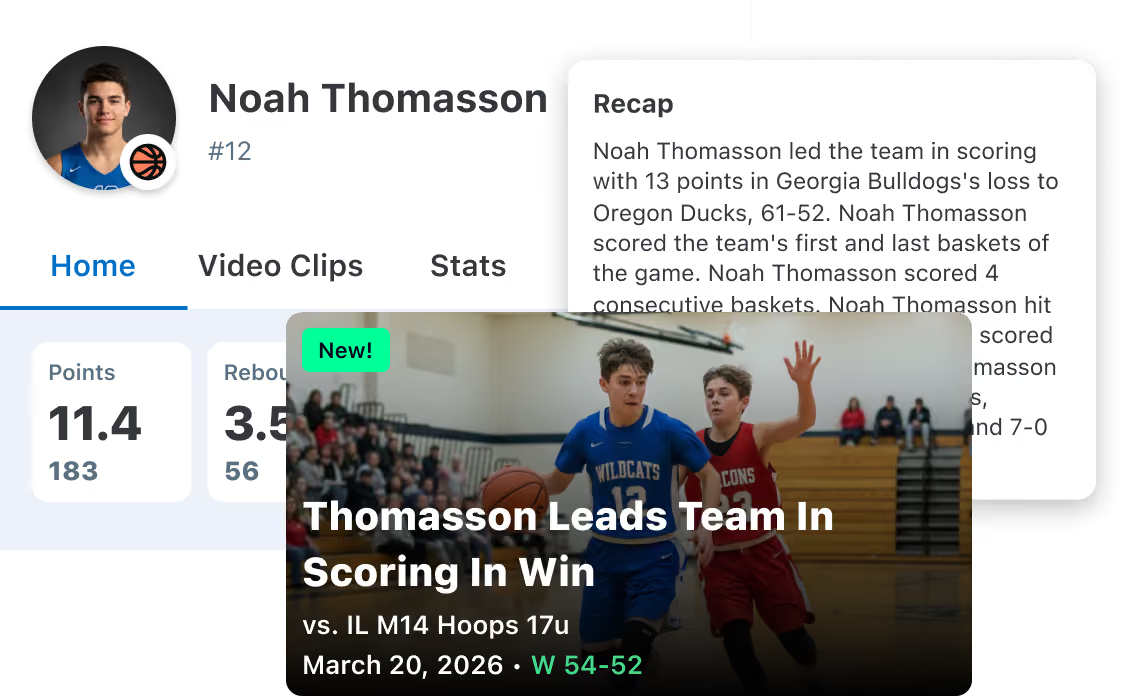
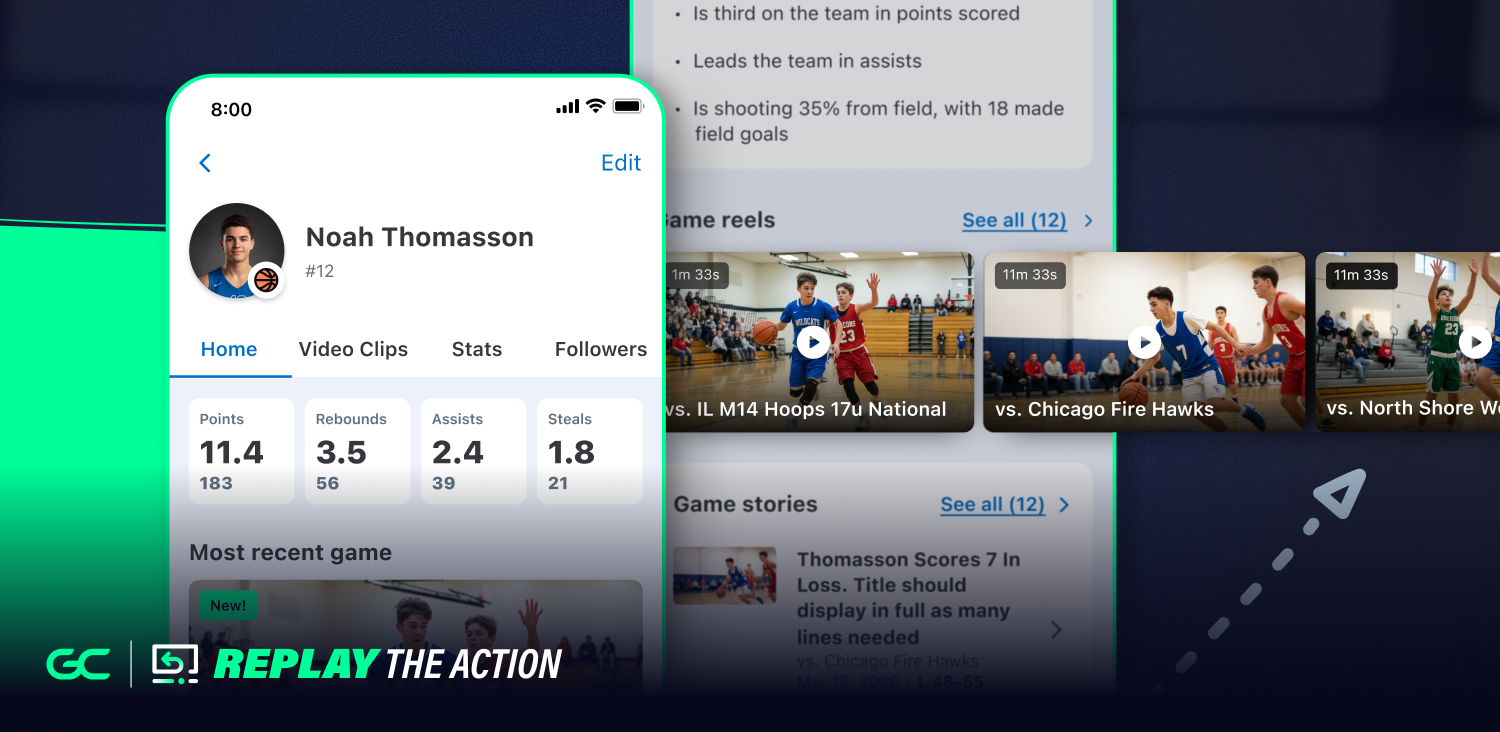
Player Game & Season Story
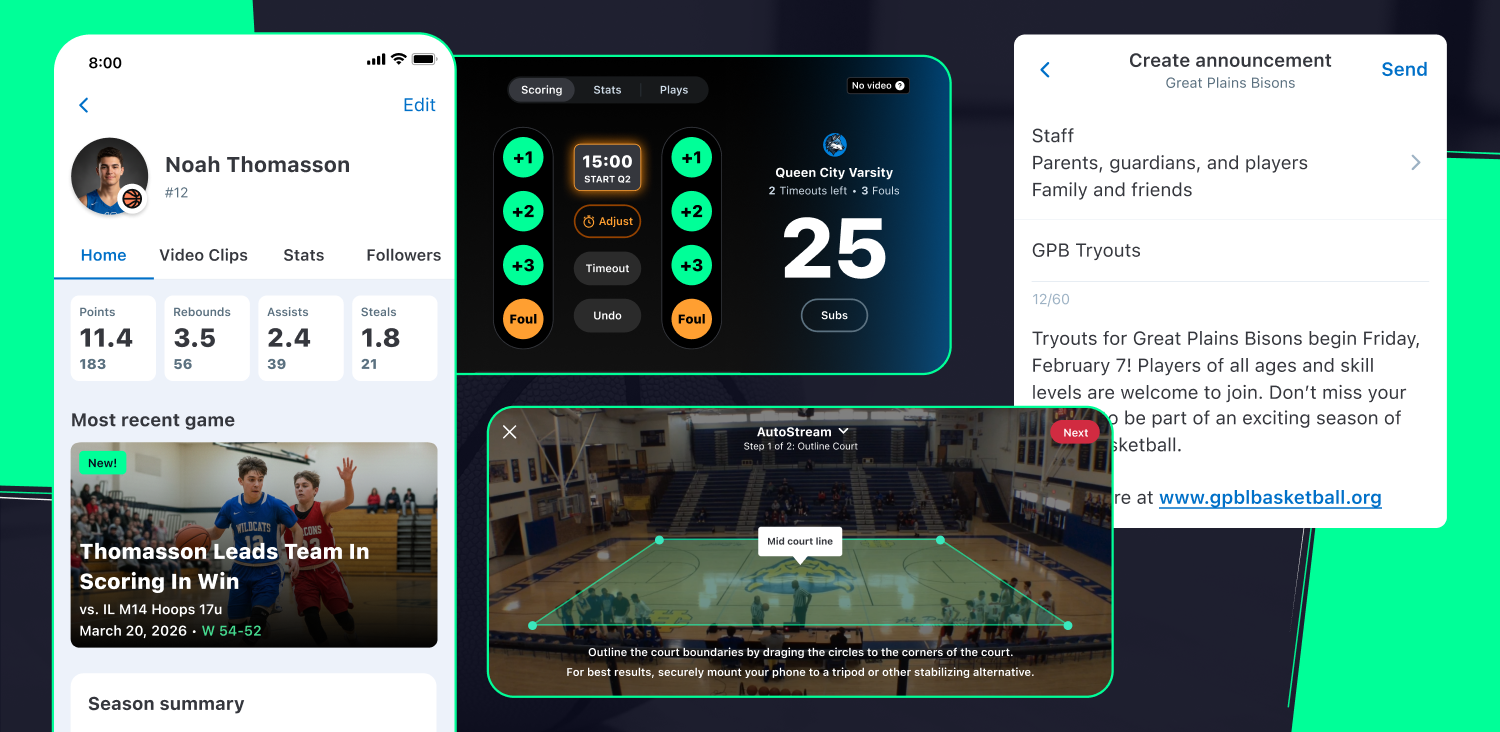
Your athlete’s entire season in one place. See their stats, read recaps of their contributions in every game, and watch video clips of their top moments.
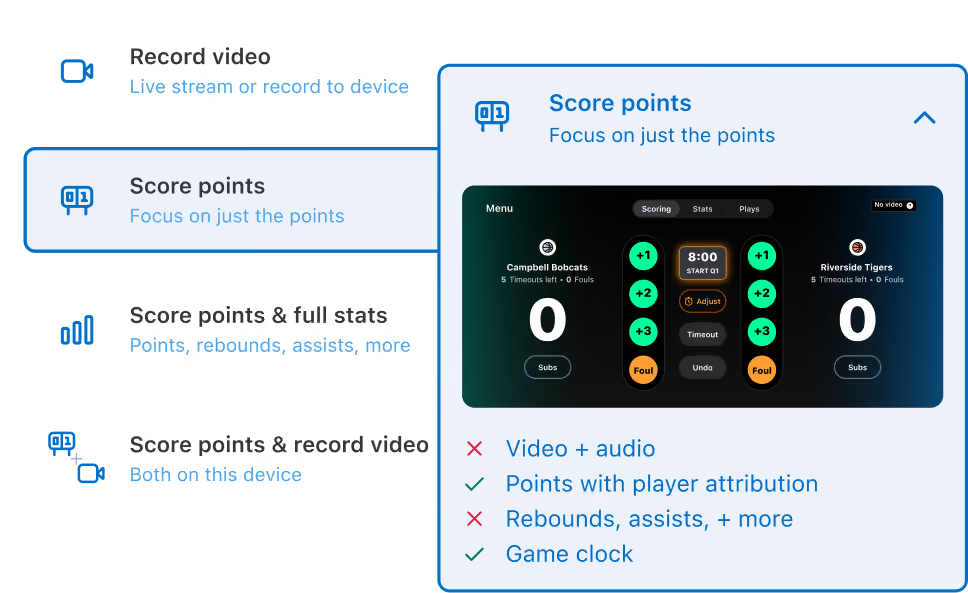
New Scoring Options
Score basketball games with a scorekeeping option that suits your team best. Choose from simple scoring complete with an integrated game clock, advanced scoring for deeper stats, or stream and score using one device for both.
Less Hassle.
More Basketball.
GameChanger gives every coach, parent, and fan the tools to make this their best basketball season yet. Explore what's in it for you.
Live Streaming
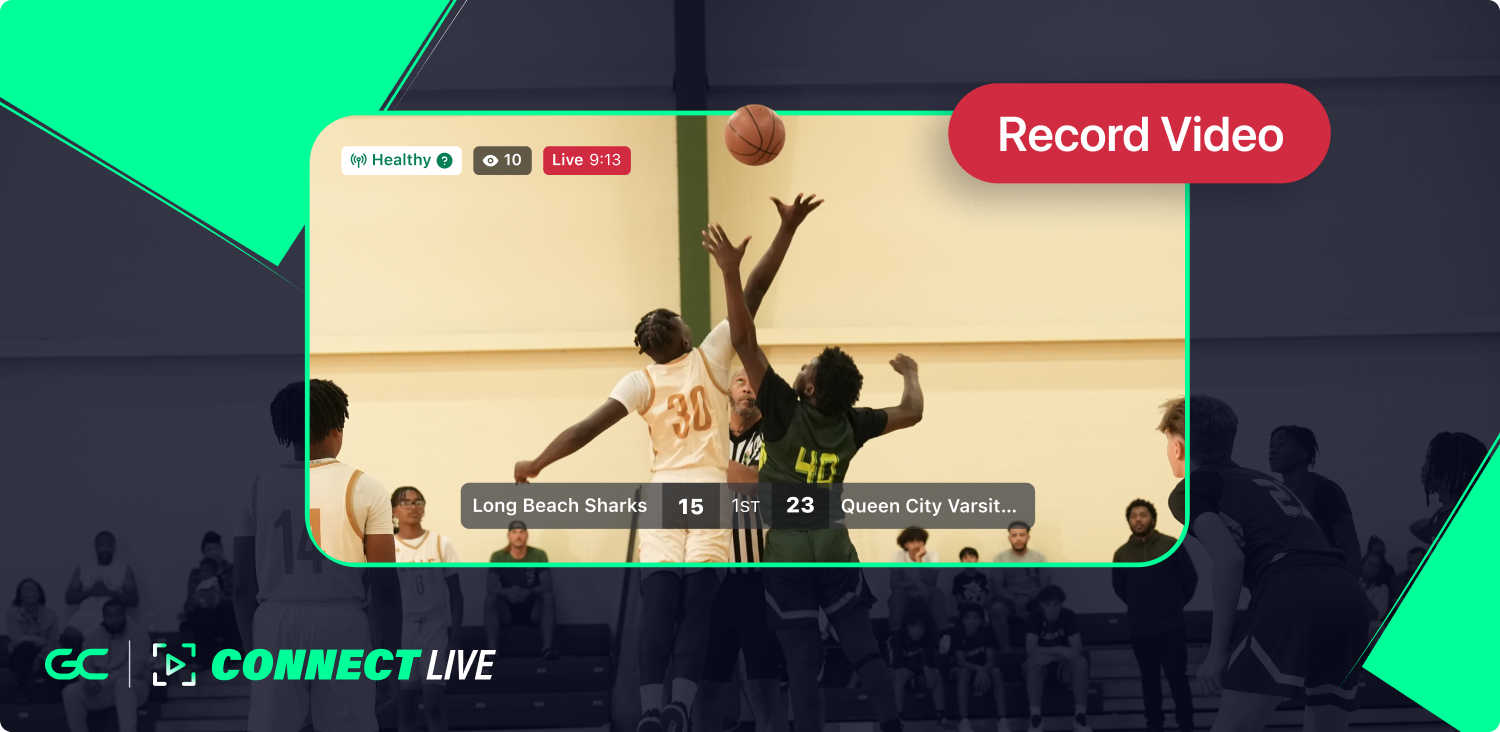
Stream games hands-free with AutoStream and watch the action live from anywhere in Full HD. Every stream is saved as full game footage too, with clips of every big play ready to revisit and share.
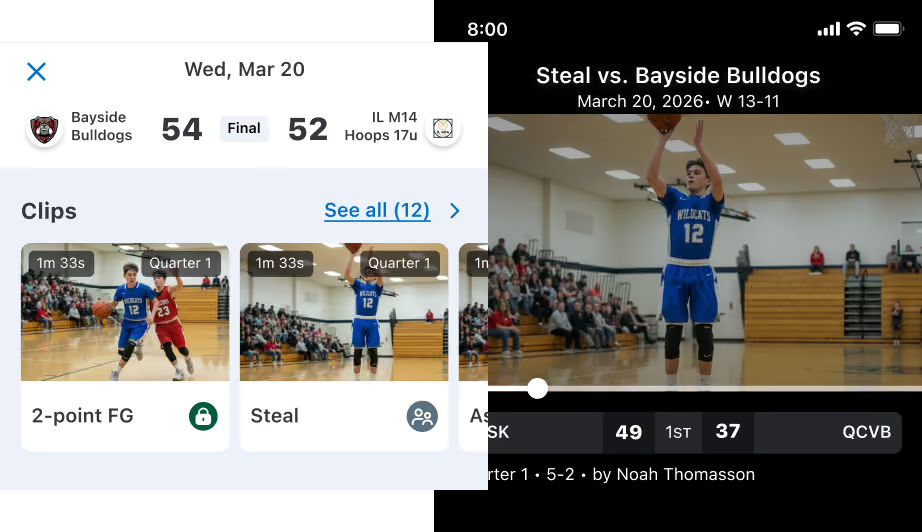
Highlight Clips
When you stream and score the game, points, steals, assists, blocks, and rebounds become automatic player clips that are formatted for social media — ready to watch and share when the game ends.
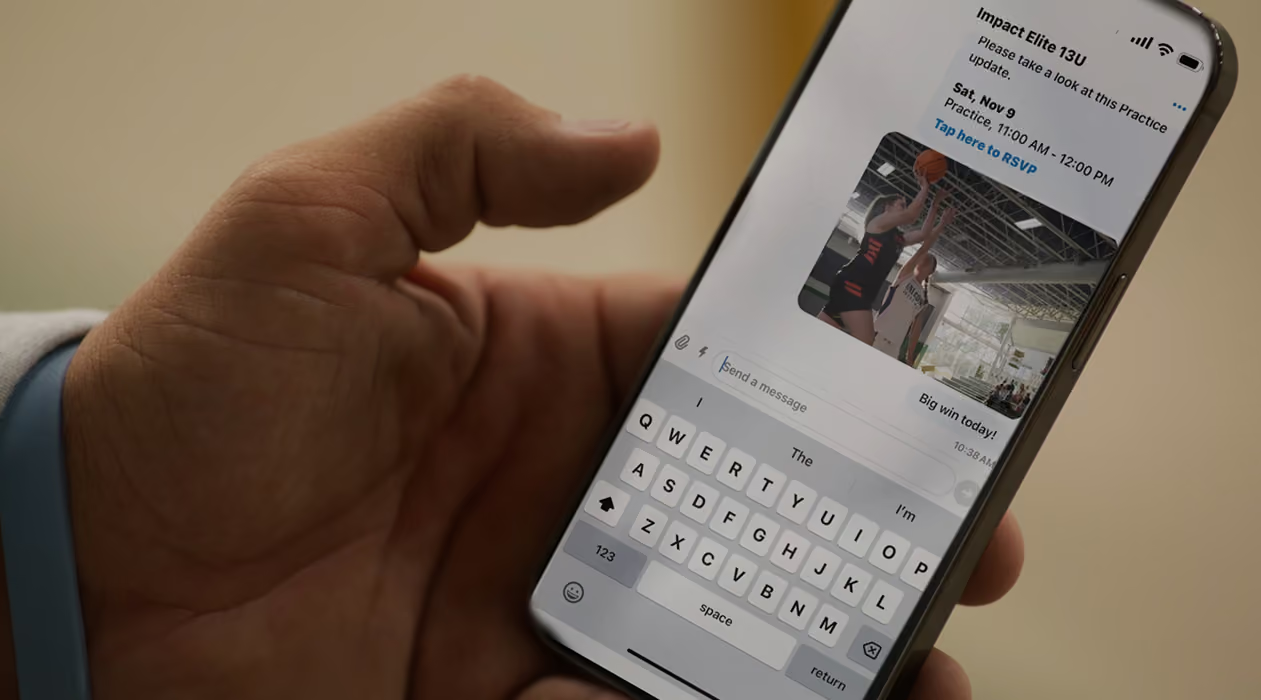
Team Communication
Access team updates in one place. Announcements, team chat, and RSVPs keep everyone on the same page, so coaches and families can focus on games and practices, not missed messages.
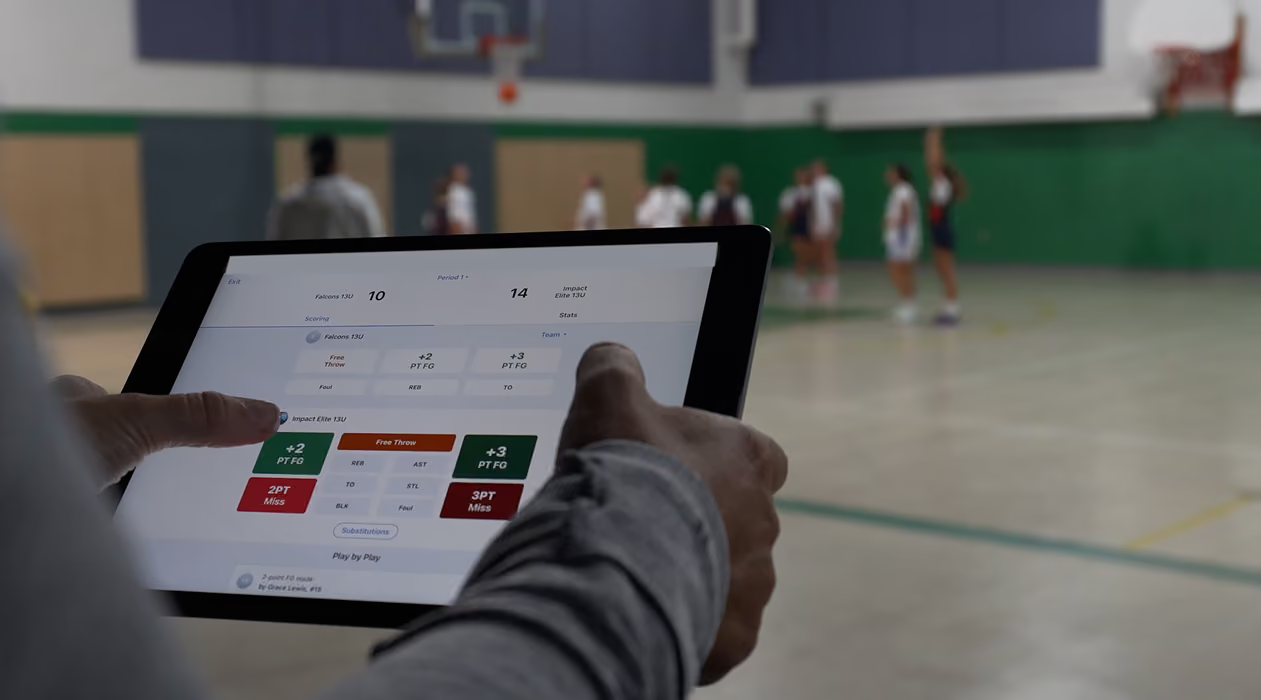
Scorekeeping and Stats
Score games your way right in the app to build team and player stats automatically. Coaches spot trends and plan smarter practices, while families and fans follow their athlete’s growth.
Find The Right Camera For Live Streaming
Compare features on GameChanger-compatible cameras to find the best one for you.
See Cameras →
One App For Everyone Who Loves Basketball
Smooth and simple live streaming and scorekeeping tools that keep family and fans connected and coaches and staff dialed in to key stats and insights.
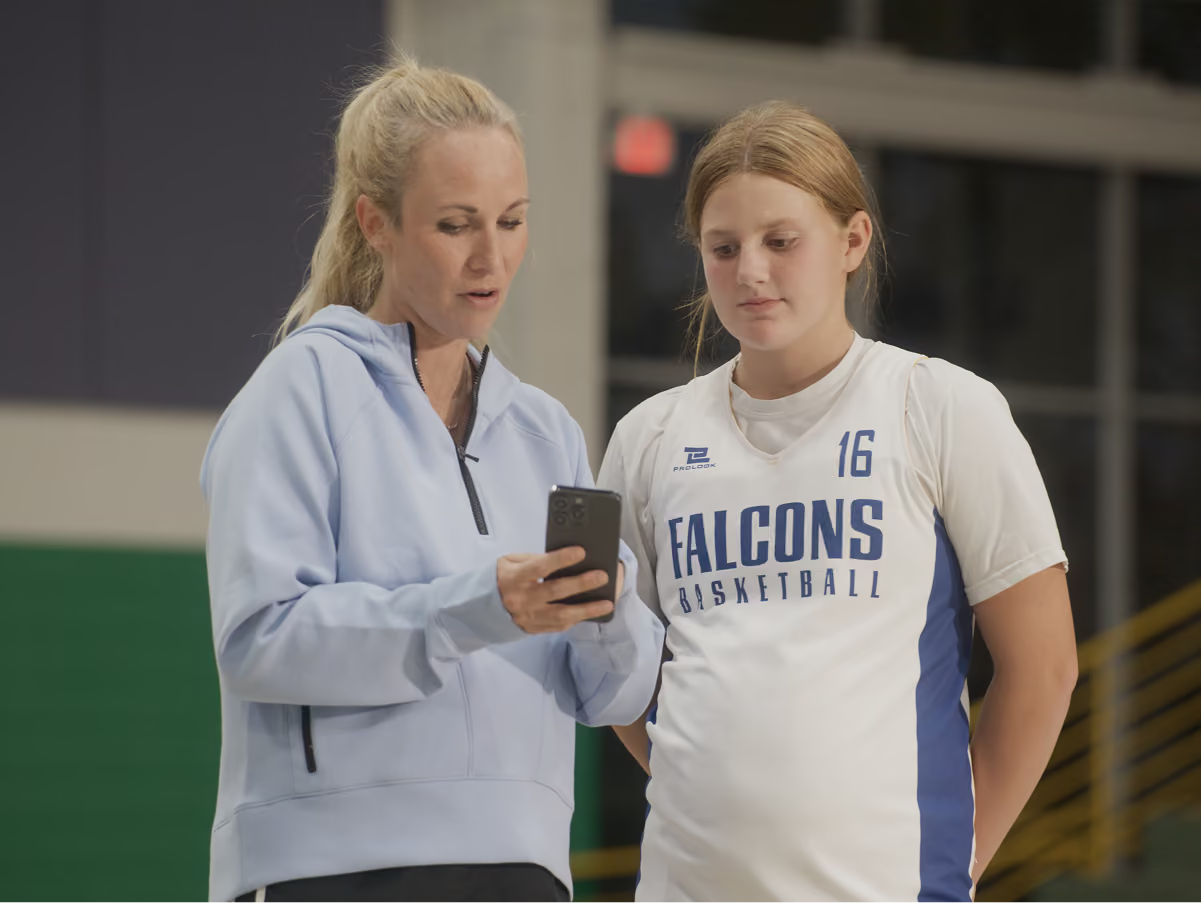
Run your team, develop your players, and make smarter decisions for free in one app. GameChanger is always free for coaches.
See More →Stay connected from anywhere with Full HD live streams, real-time scores and alerts, and game highlights.
See More →
"THE CLIPPED VIDEOS ARE GREAT FOR RELIVING THE HIGH POINTS AND LEARNING FROM THE LOWS, TRULY AN INCREDIBLE PRODUCT"

.avif)
trusted by millions of coaches and families nationwide
1M+
10M+
10M+
6M+

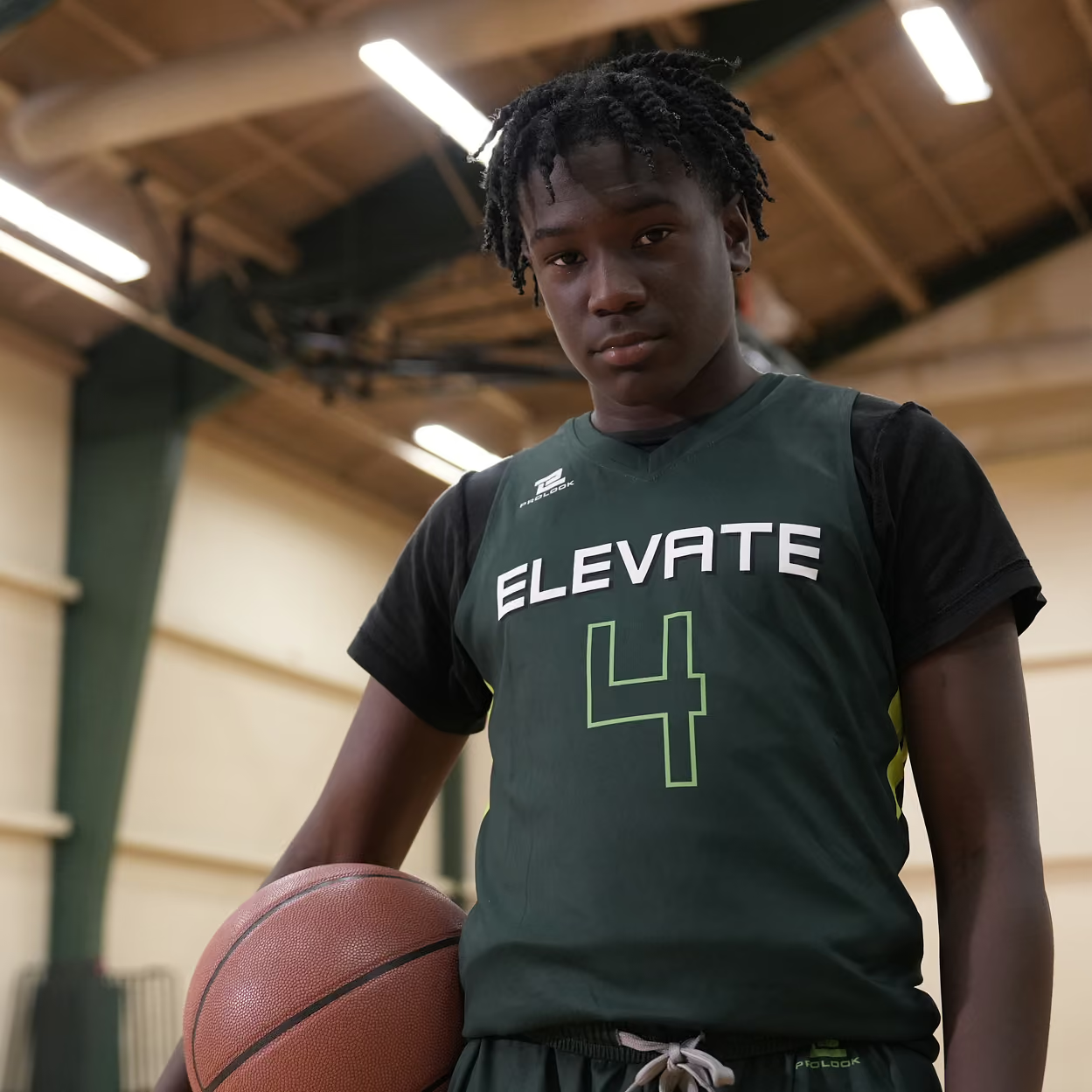
The only app you need this season
Dive deeper into product features with a personal demo from one of our GameChanger Basketball experts.
gamechanger Academy
Run through the ins and outs of GameChanger Basketball.


STAY CURRENT WITH GAMECHANGER
Read the latest news, product updates, and more.
GameChanger Basketball Questions
The videographer can choose to allow either only family members and players (if the players are old enough to have their own account) to watch the live stream, or they can also include team fans in the audience, along with family members and players.
GameChanger allows confirmed family and players to broadcast games live in all sports by default. Team staff are also able to designate certain community members as videographers by updating the Team Permissions from their Team tab.
Yes! You can edit plays and player assignment, plays that were unassigned in real time. Do this by scrolling down to the “plays” section of the scorekeeping page, and selecting the play you wish to edit.
Yes! Box scores are available once a game is complete. Team staff can resume scoring to edit plays, player assignment, and the final score, which will then be reflected in the box score.
From the scorekeeping page, you have the option to attribute all opponent stats to the team in general or to specific players on the opposing team.
Yes! Before entering scorekeeping mode, you can make adjustments to the game structure using Game Settings, including selecting halves versus quarters, changes to the timeouts structure, and the type of opponent scoring you wish to use.
Yes! The GameChanger App is free to download. All GameChanger features — including premium features — are completely FREE for coaches and staff to use for their team. Parents and fans can join a team and utilize team messaging, scheduling, and RSVP for free. Additional features for parents and fans, like unlimited baseball and softball live stream viewing, highlight clips, and box scores, are available with a subscription starting at $9.99 per month (or $39.99 billed annually).
Yes, all users can watch up to five baseball or softball live streams for free before being prompted to sign up for a paid subscription. Live stream viewing of other sports like basketball, volleyball, and soccer, remains completely free.




