
The GameChanger Tourney Highlight Video
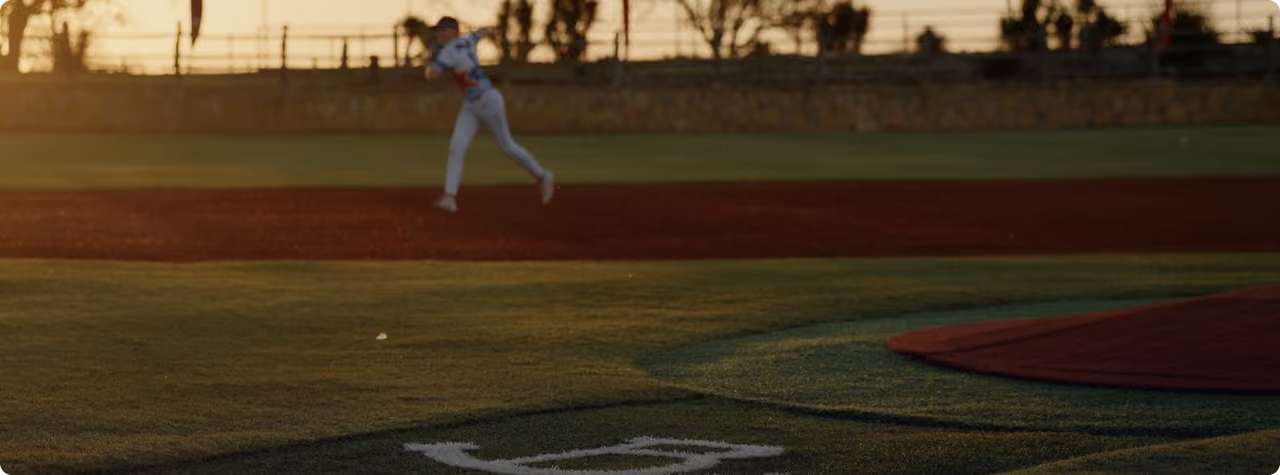

Live The Game Like Never Before with a professional quality, extended highlight video featuring your athlete’s performance from the November 6–8 Tournament at Rocker B. Ranch. Order now and get a promotional price of $49.99. Don’t wait — quantities are limited!
Enjoy an Immersive Tournament Weekend Recap
See your athlete’s top plays and re-live their team’s biggest moments from the tournament weekend — all set against the backdrop of Rocker B. Ranch with an .mp4 video delivered to your inbox.
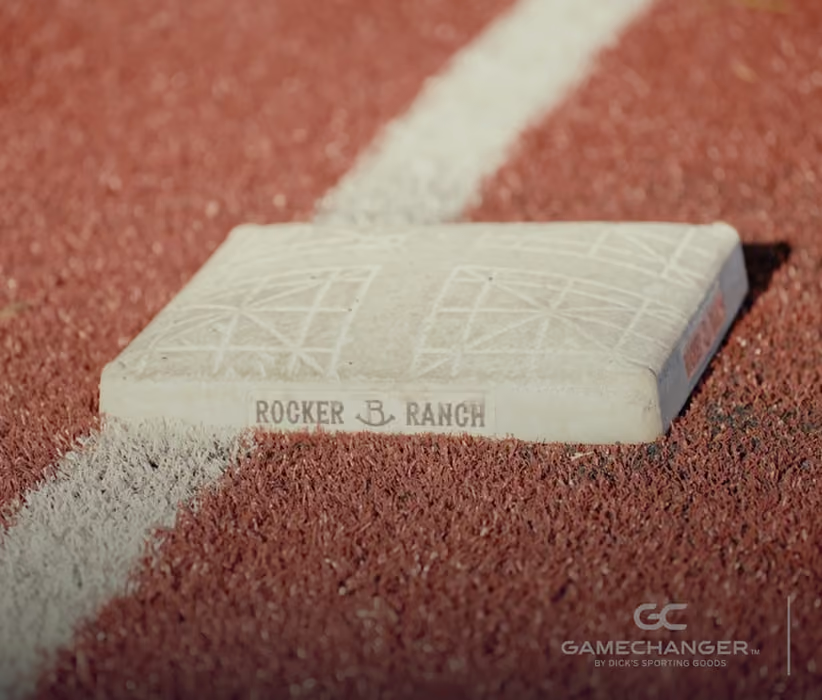
Go Beyond a Highlight Reel
Watch the story of your athlete’s weekend unfold with personalized video and player stats that bring the tournament to life allowing you to Replay the Action.
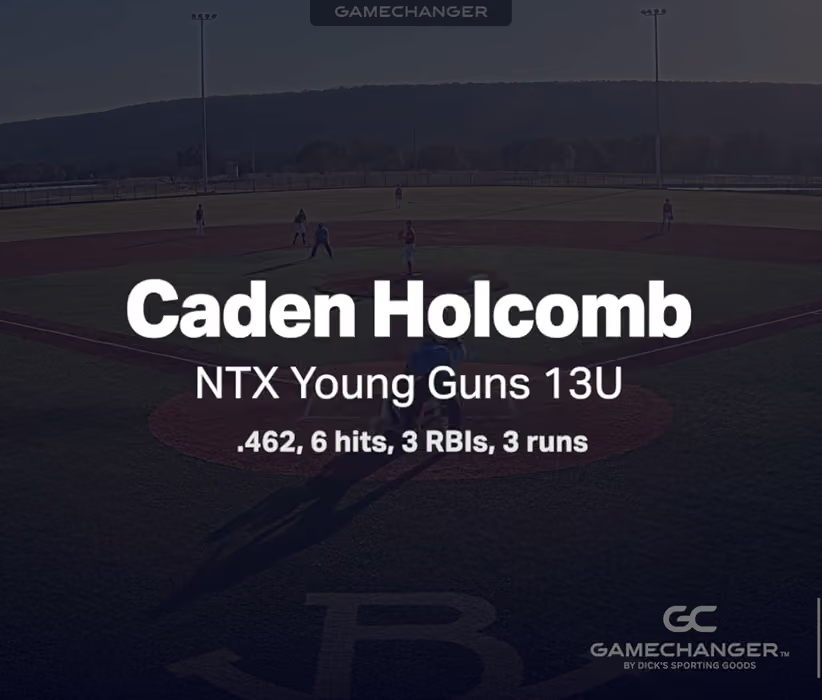
Custom Crafted
Expertly edited, set to music, and enhanced with graphics that add context to every play.
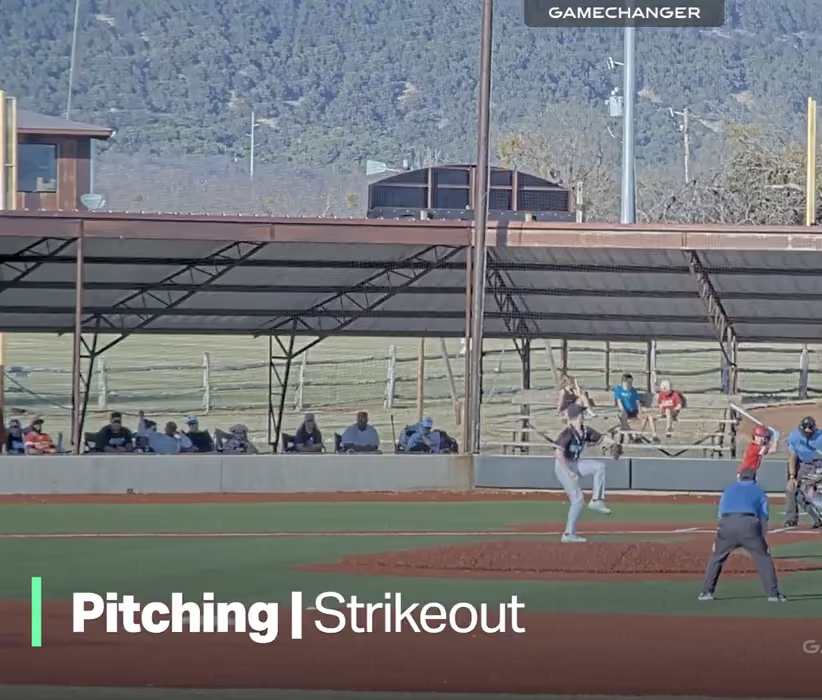
One-of-a-Kind Tournament Keepsake
Your custom video will be yours to download, save, share, and re-watch at any time.
Video Order Form
Fill out the information below to submit your order. Upon submission a new tab will open to complete payment. Please allow up to 5 business days for your video to be processed. We’ll send you an email that includes your athlete’s highlight video as soon as it’s ready.


