The all-in-one app for youth sports teams
Managing your youth sports team can be a lot of work. GameChanger makes it easier.



how gamechanger
works for you
Share your team’s top moments with their biggest fans through easy-to-use team communication and live streaming features.

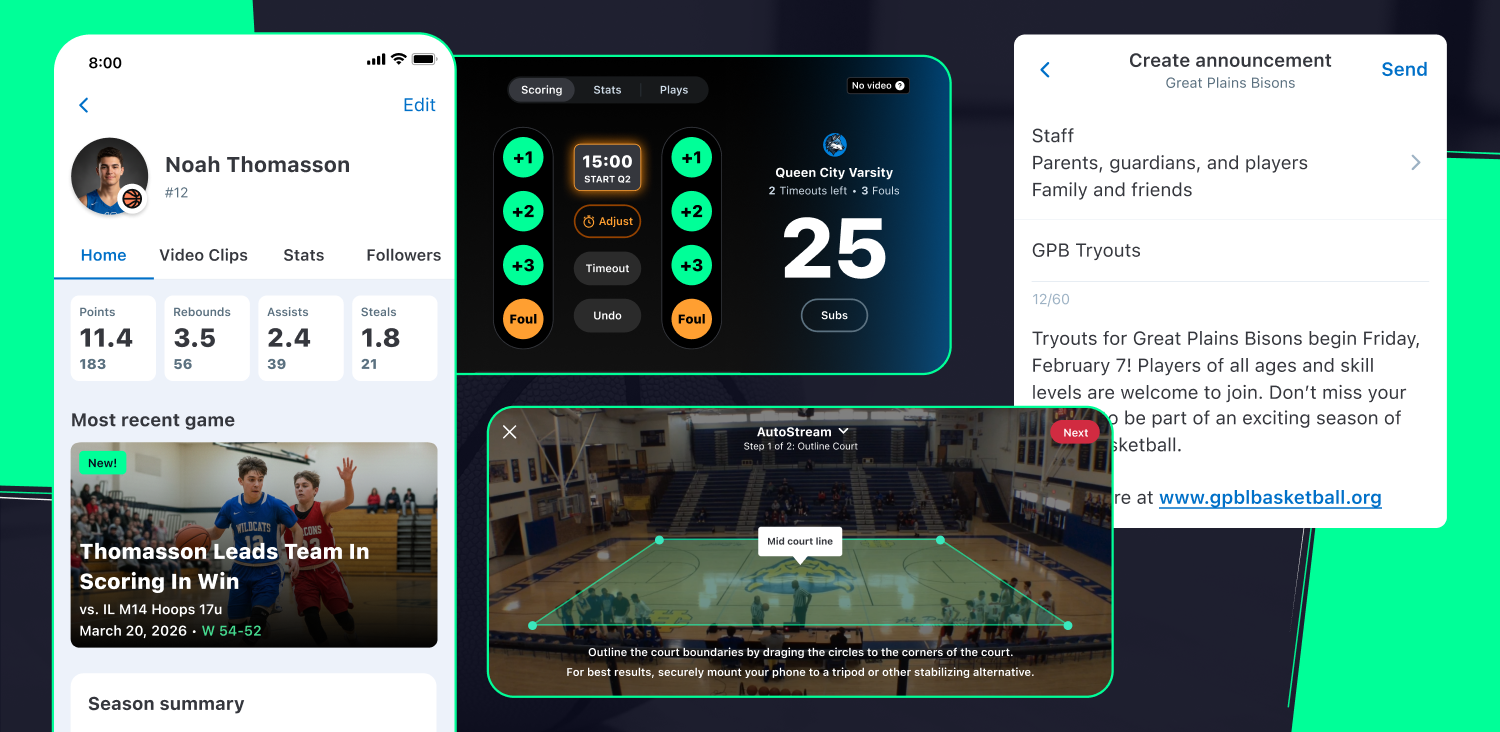
team management
- Streamline the start of your season by creating your team online or in the app.
- Save time setting up your roster with roster rollover if you’ve used GameChanger before.
- Add team events for the entire season and sync them to your personal calendar.
- Include the RSVP option on events to keep track of who will be in attendance.
- Share messages, photos, and video with the whole team through in-app messaging.

Automatic HIGHLIGHT CLIPS
- For goal sports, enjoy automatically generated clips of every goal following games that are streamed and scored.
- Coaches and subscribers can use the screen recording functionality to create their own clips from game footage.
- Share, download, and edit clips, or add them to your player’s customizable Athlete Profile, which you can build on season after season.

LIVE VIDEO STREAMING
- Live stream all your games this season and let your team’s biggest fans tune in no matter where they are.
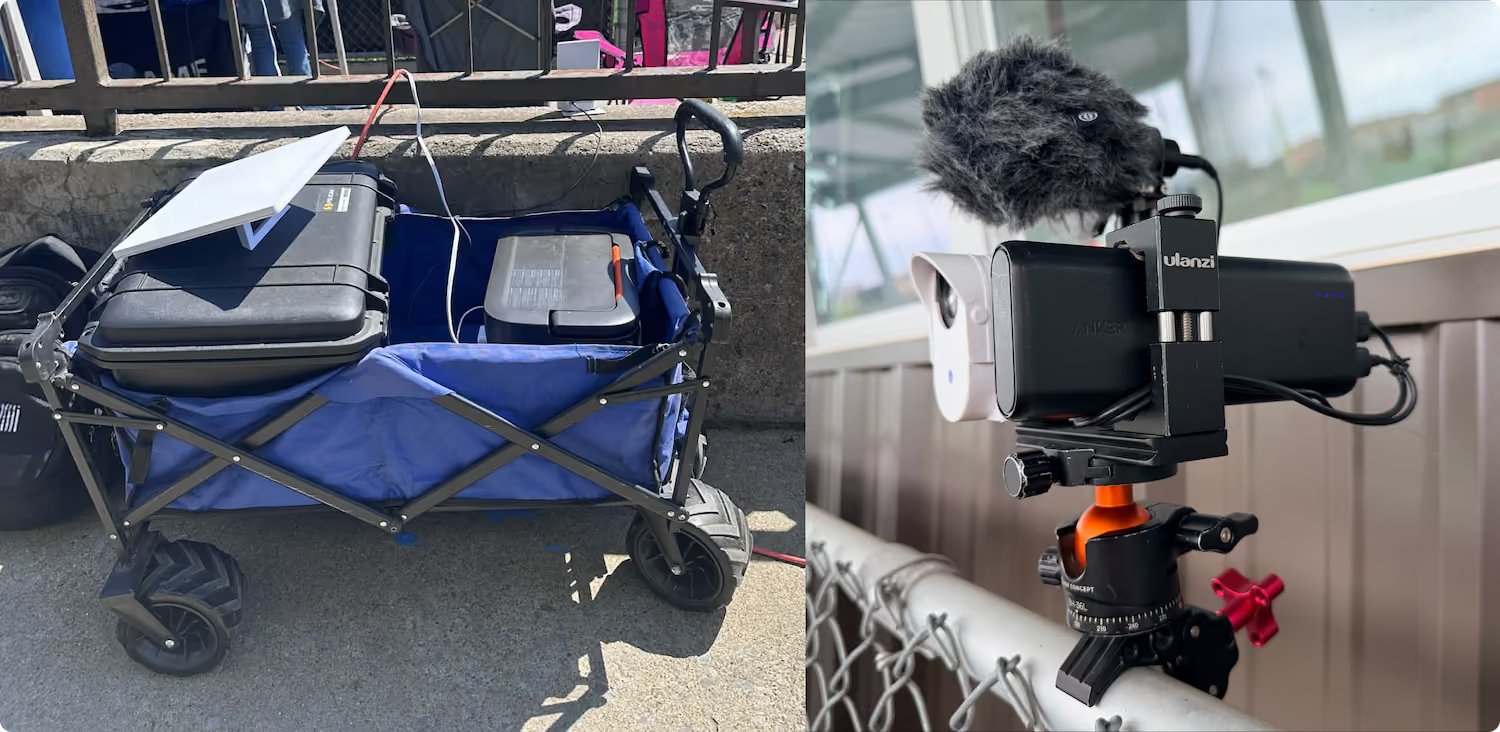
- NEW! Live Stream and Record to Device: Capture full resolution coverage of your game that saves directly to your device if a stable internet connection is unavailable.
- Coaches and subscribers can re-watch all previously streamed games with archived game videos.
- Keep track of who’s in the lead with a scoreboard overlay for goal sports when you stream and score.

SCOREKEEPING
- Power the GameChanger scoreboard with free, easy-to-use simple scorekeeping available for goal sports.
- See goals, substitutions, and missed shots with the play-by-play recap on goal sports.
The Sports Report
Read about the latest GameChanger news and product updates.
GameChanger Sports FAQs
Find answers to frequently asked questions about GameChanger. Need an assist? Head to our support page for more.
Visit SupportStarting a GameChanger live stream is easy! All you need is a mobile device. Team staff or designated videographers can open the GameChanger App, head to the team’s Schedule tab, select the desired event, and then press “record video.”
GameChanger allows confirmed family and players to broadcast games live in all sports by default. Team staff are also able to designate certain community members as videographers by updating the Team Permissions from their Team tab.
The videographer can choose to allow either only family members and players (if the players are old enough to have their own account) to watch the live stream, or they can also include team fans in the audience, along with family members and players.
Yes! The GameChanger App is free to download. All GameChanger features — including premium features — are completely FREE for coaches and staff to use for their team. Parents and fans can join a team and utilize team messaging, scheduling, and RSVP for free. Additional features for parents and fans, like unlimited baseball and softball live stream viewing, highlight clips, and box scores, are available with a subscription starting at $9.99 per month (or $39.99 billed annually).
Yes, all users can watch up to five baseball or softball live streams for free before being prompted to sign up for a paid subscription. Live stream viewing of other sports like basketball, volleyball, and soccer, remains completely free.
A FEW WORDS FROM OUR CHEERING SECTION

“Very easy-to-use app. I use it for water polo.”
“Sports apps with syncable calendars with RSVP abilities make life easier for busy families — GameChanger is the best of 5 we have used with teams over the years. I’m always happy when coaches set up our kid’s teams in GameChanger.”
“GameChanger is the easiest app I have used to communicate with my team, schedule events, and keep track of live scoring. I manage three teams at a time and I have no issue keeping everything straight with GameChanger!”
“I want to be a big part of their lives. I can't be there 24/7. I can sit home and watch them and be a part of it. For me it's a lifeline…it’s a great tool to see our grandchildren when we can’t be at the games.”
The Only App You Need This Season