GameChanger-Compatible Cameras
phone or tablet
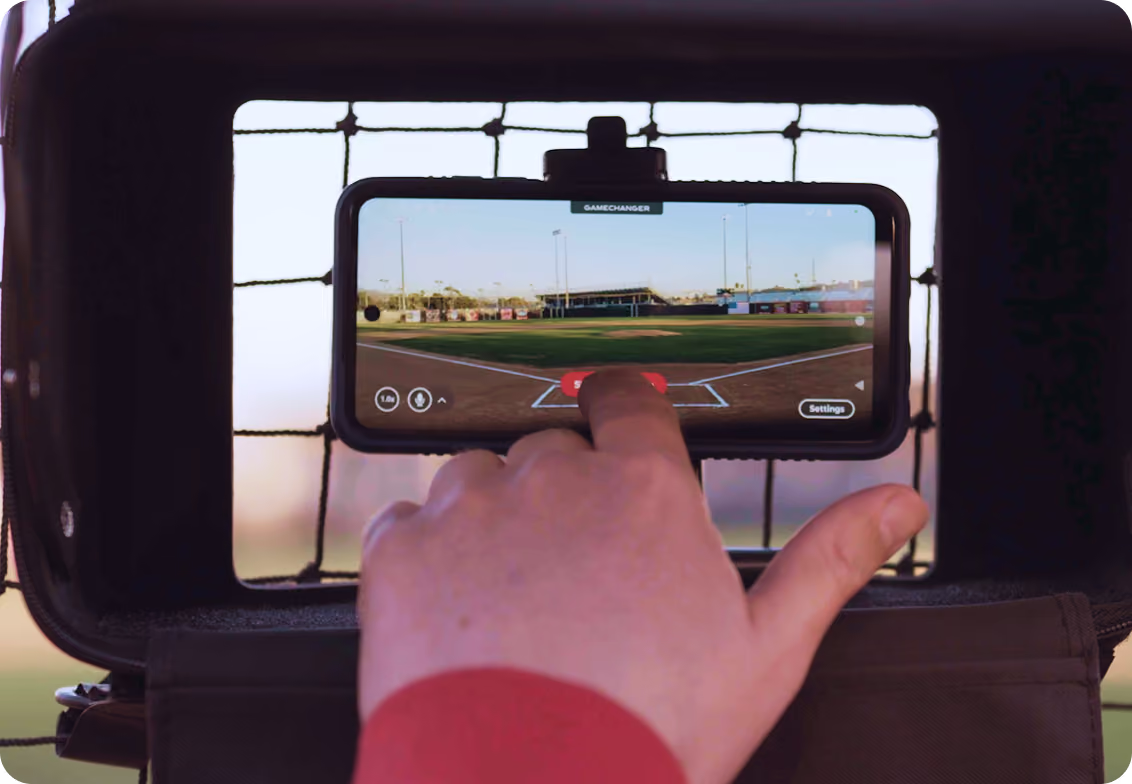
The fastest way to start streaming is the device already in your pocket. No new gear, no learning curve — just open the GameChanger App and go live.
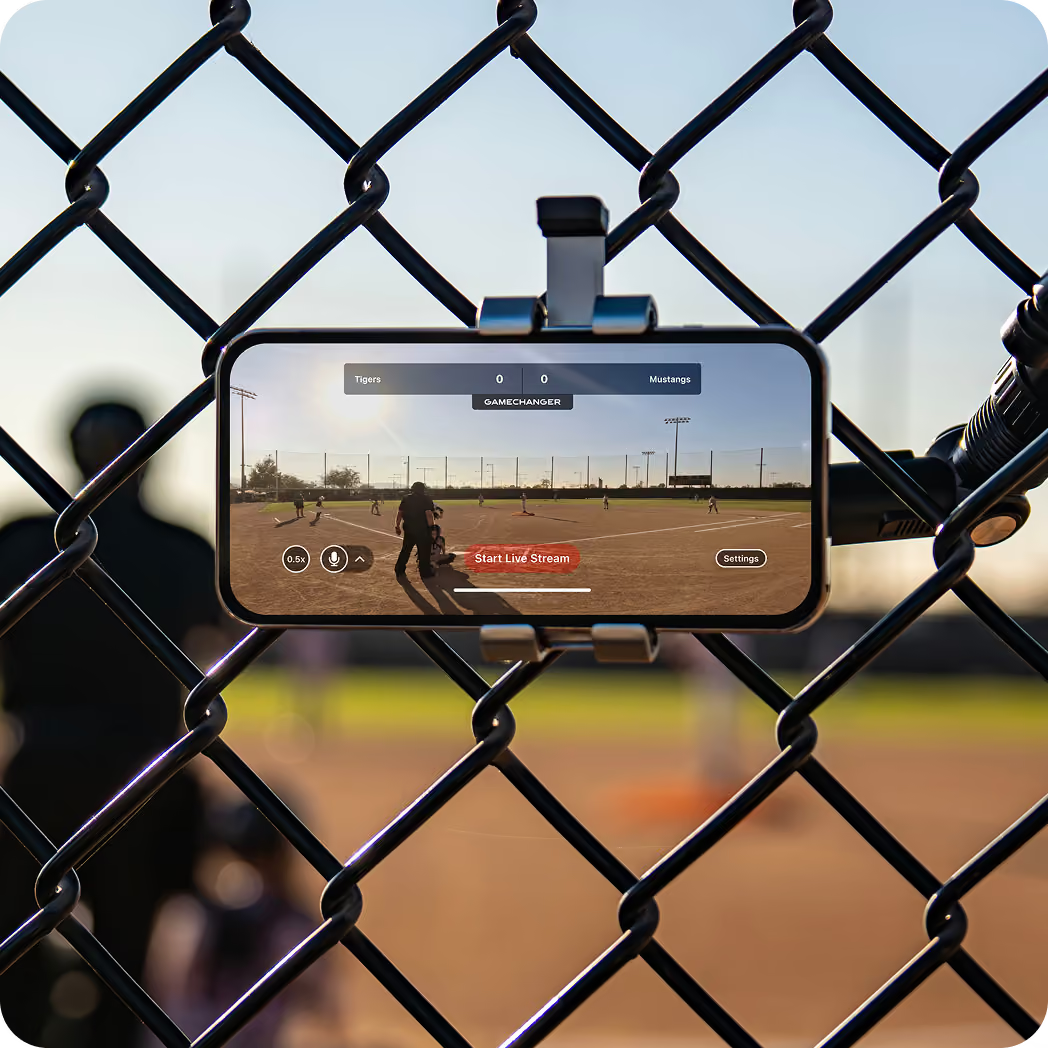
Works for any sport on any field or court
It’s free to live stream for your team, no subscription cost
GameChanger Streaming Kits provide extra protection for your device
Portable Cameras
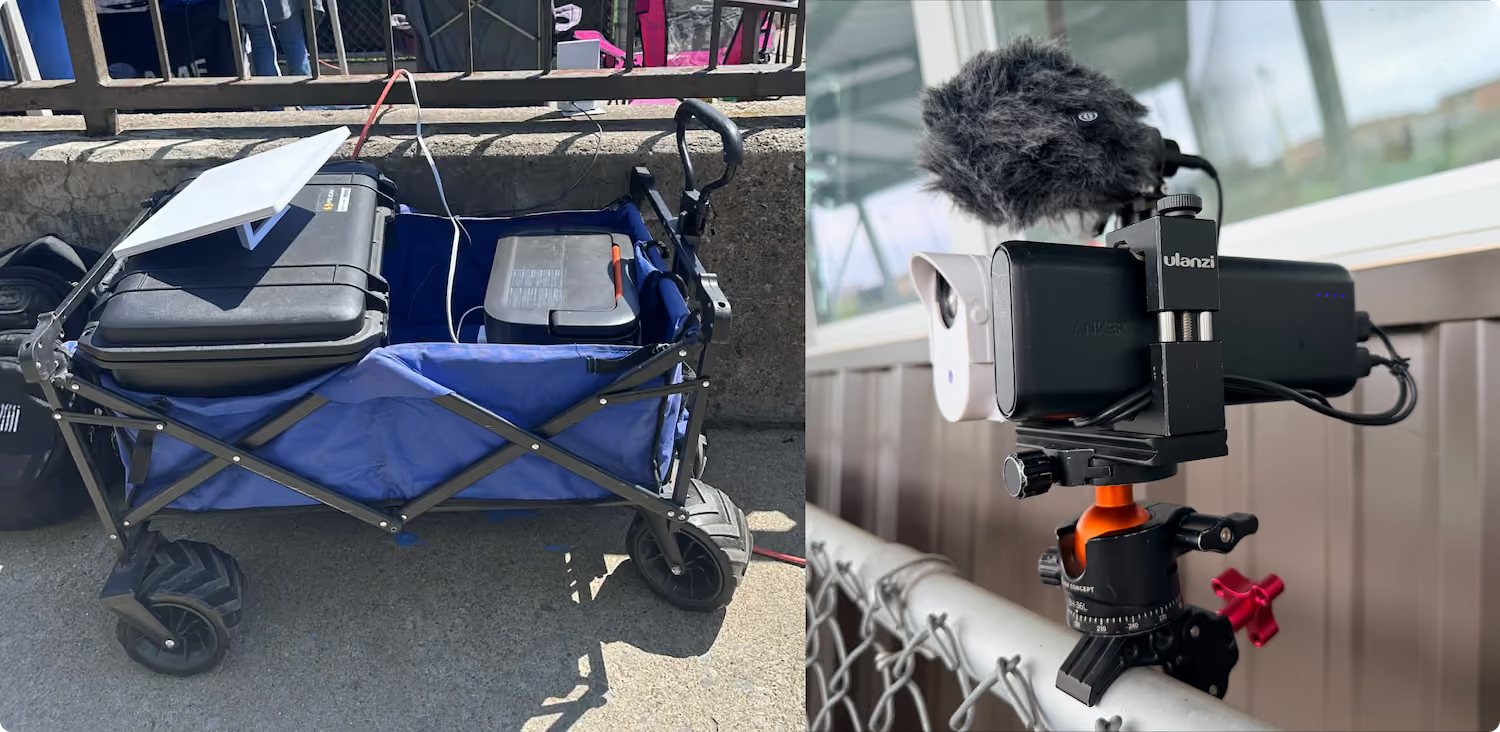
A dedicated streaming camera frees up your phone and offers extra gameday perks, including multi-angle coverage, extra durability, and next-level picture clarity.
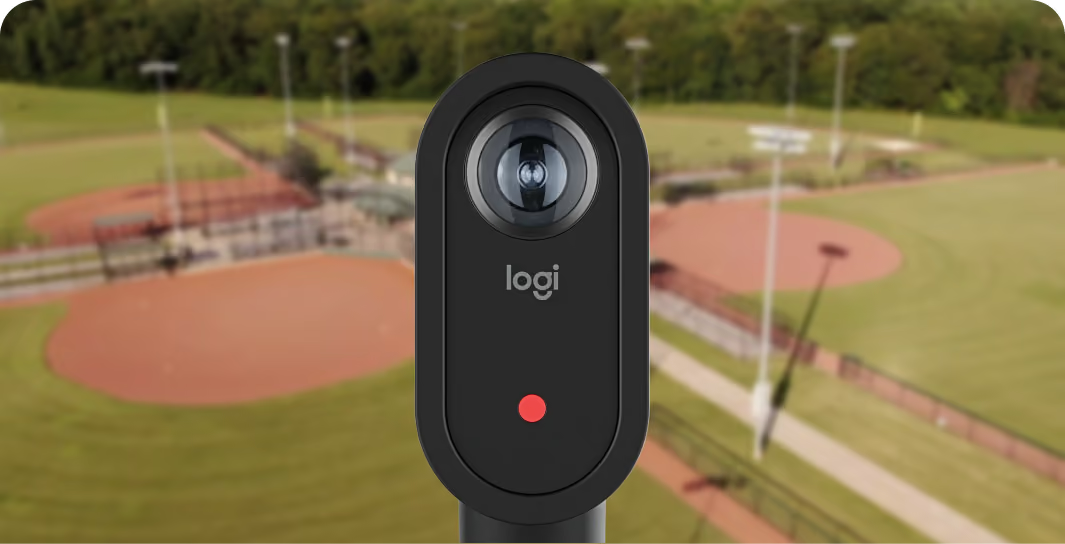
Mevo Start
A portable camera built for a more cinematic live stream without the full production setup. It offers app-controlled editing, and you can link units for multi-angle coverage. Add a GameChanger Streaming Kit for hands-free streaming.
Learn More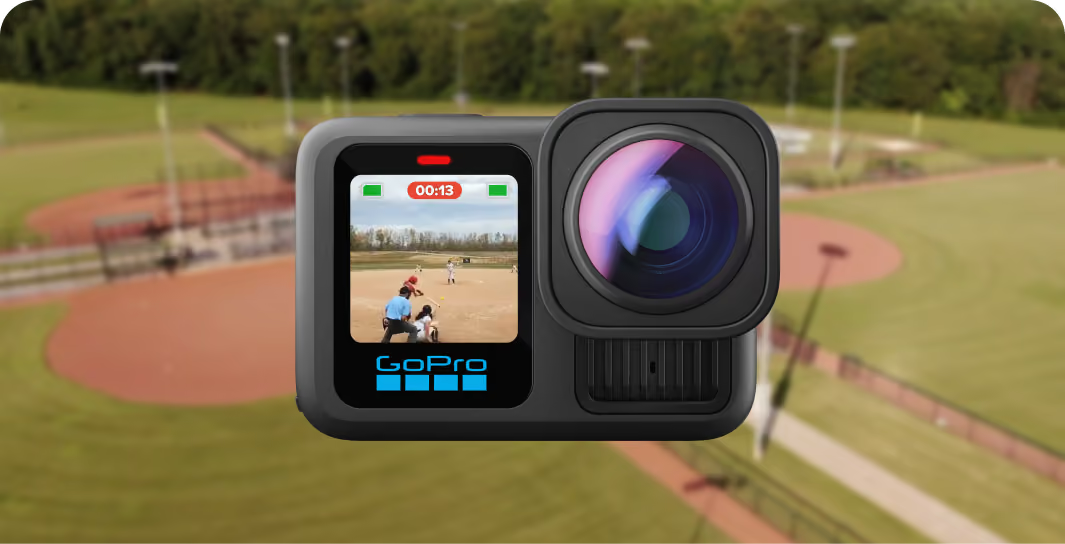
GameChanger GoPro Bundle
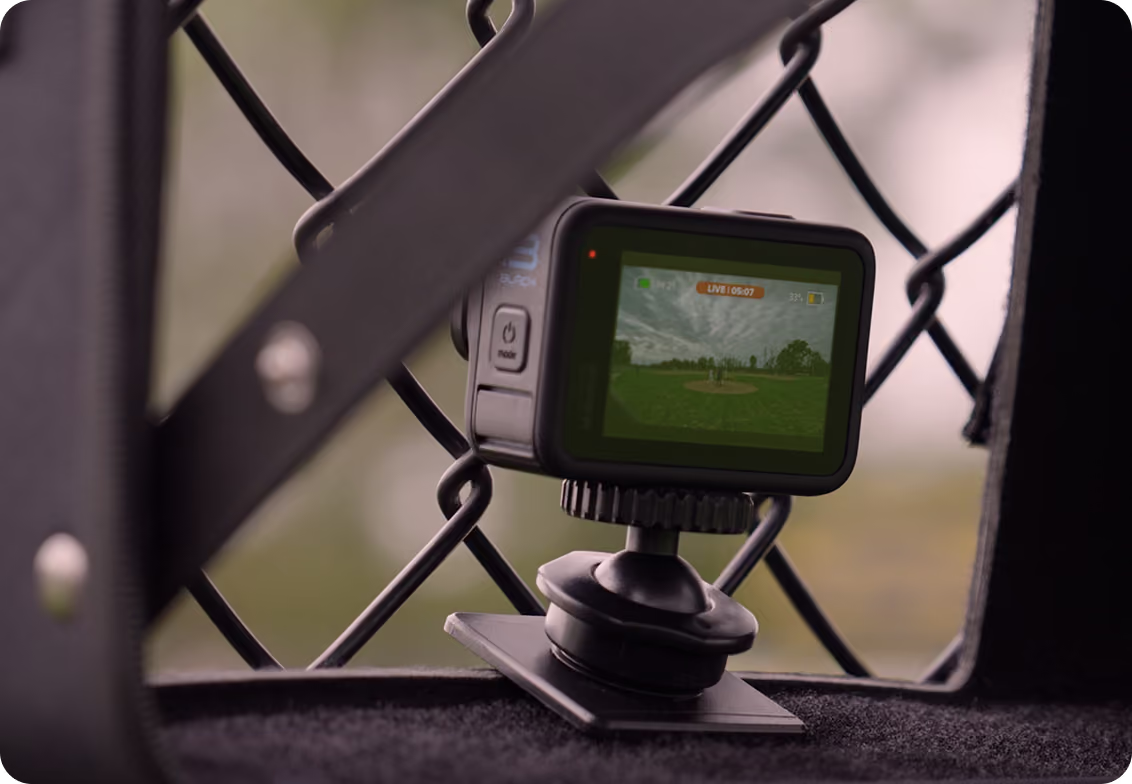
Set up a high-quality live stream in a few taps with the GameChanger + GoPro integration. A rugged, wide-angle camera for clear, full-field footage pairs perfectly with the GameChanger Streaming Kit.
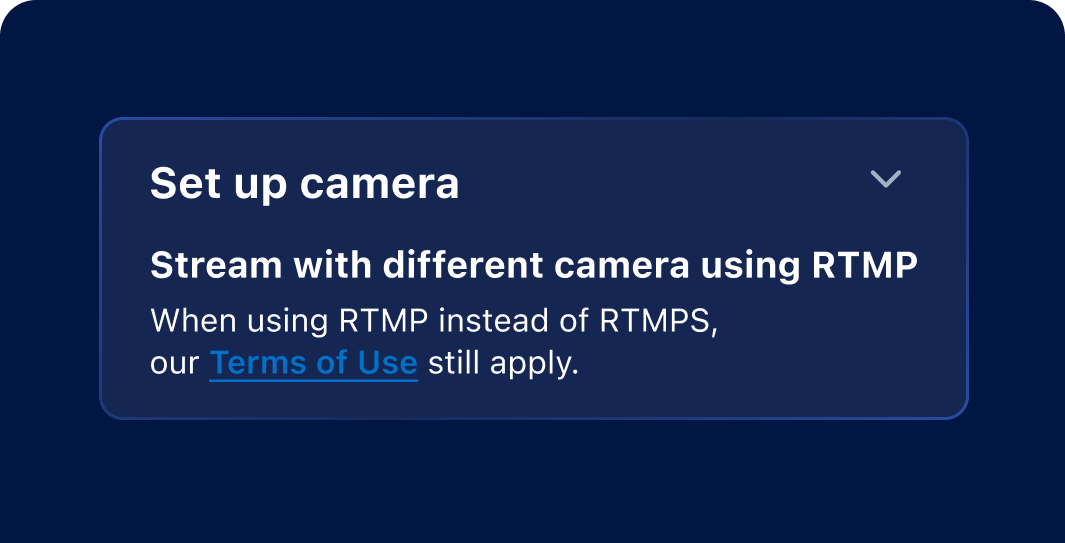
Any RTMP/RTMPS Camera
Already own a compatible camera? Connect it to GameChanger and bring your preferred picture, controls, and production setup to every live stream.
Fixed Cameras
For Baseball and Softball Fields
For leagues, programs, and facilities ready to stream every game without staffing a camera, a permanent installation delivers consistent coverage and opens new value for your community.
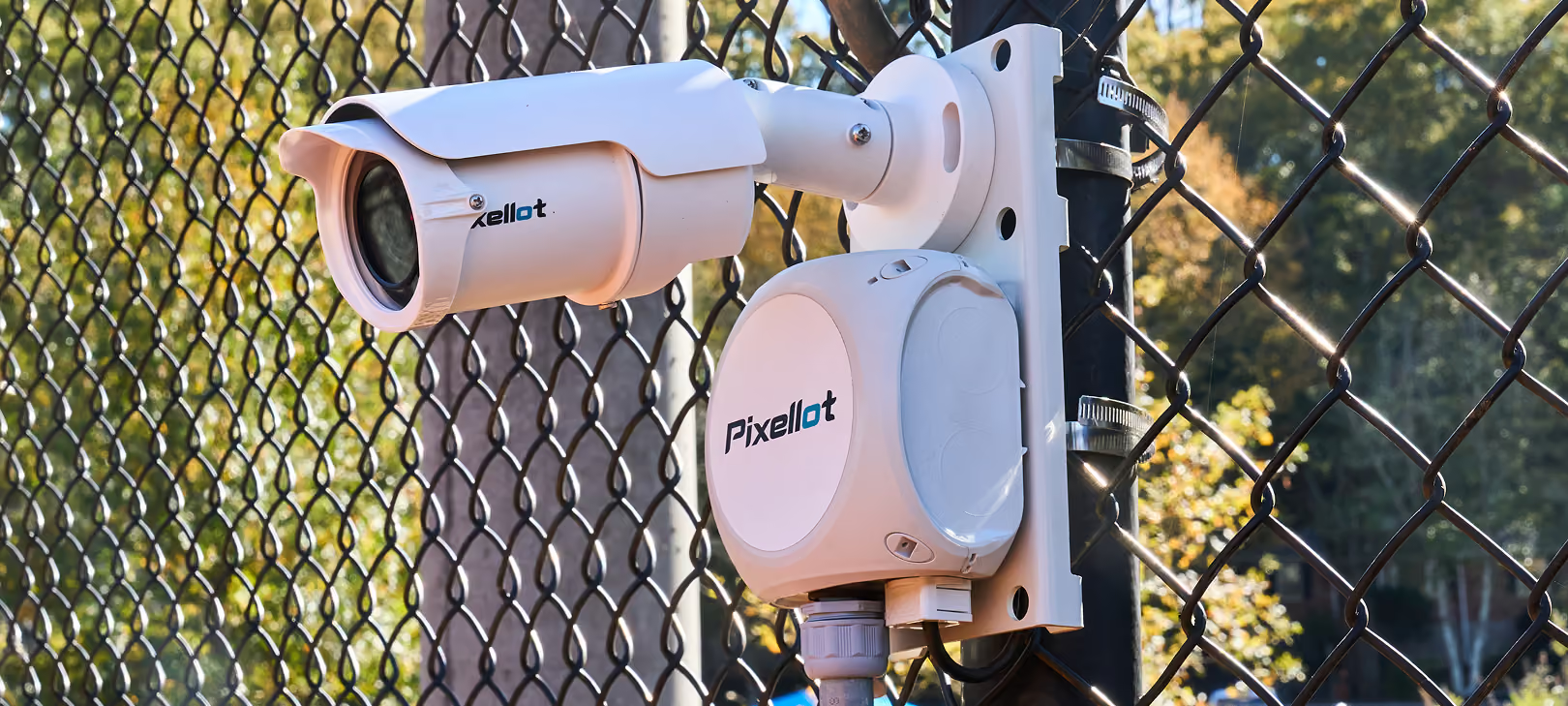
Pixellot SinglePlay
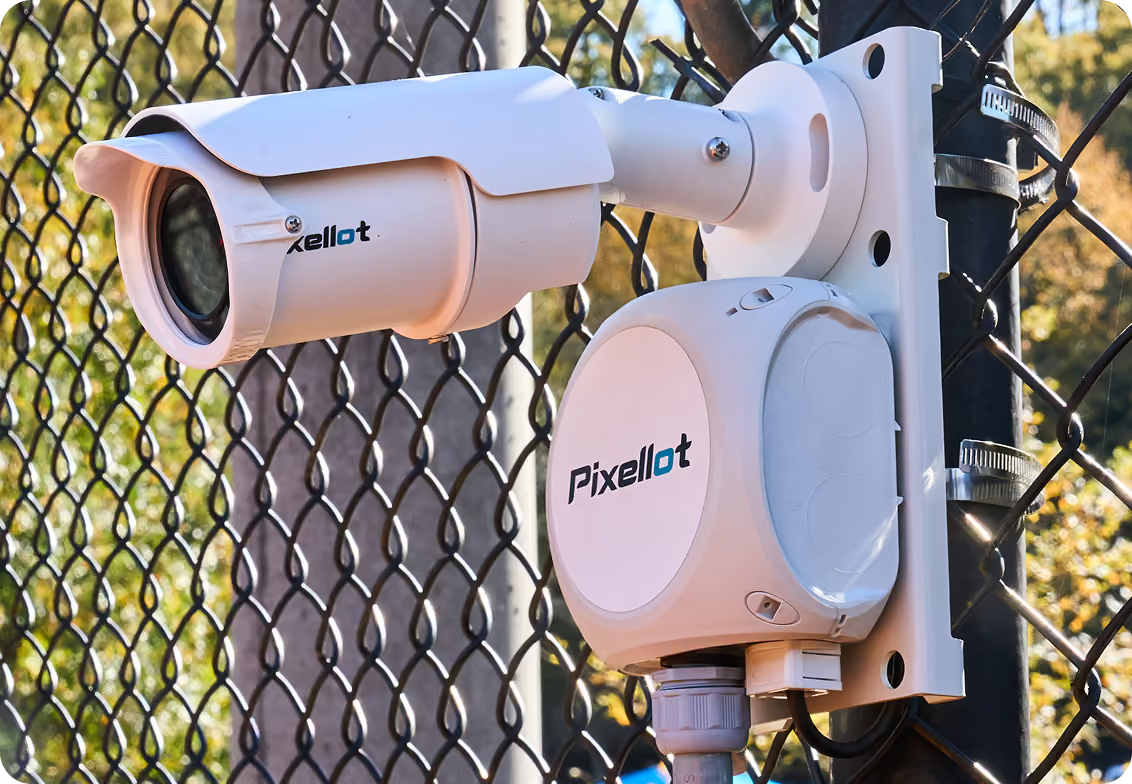
A single fixed camera that streams every game automatically, freeing up staff and volunteers to focus on the event, not the equipment.
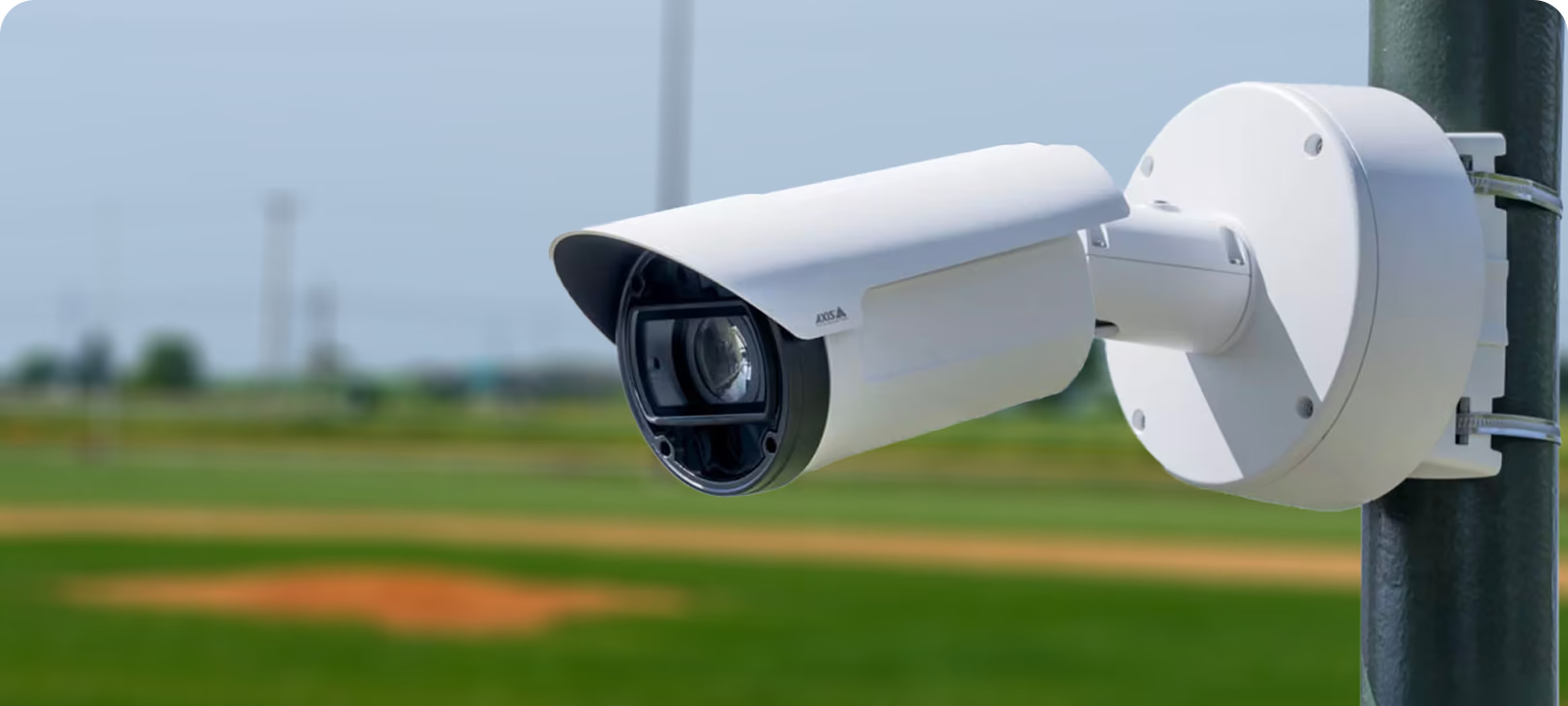
Fixed 1–2 Camera System
A permanent multi-camera setup that keeps every game covered, giving families, recruiters, and the whole community a reliable way to stay connected.
Find the right camera for your live stream.
Answer a few quick questions and we'll match you with the setup that fits your sport, field, and budget.
Get My Recommendation →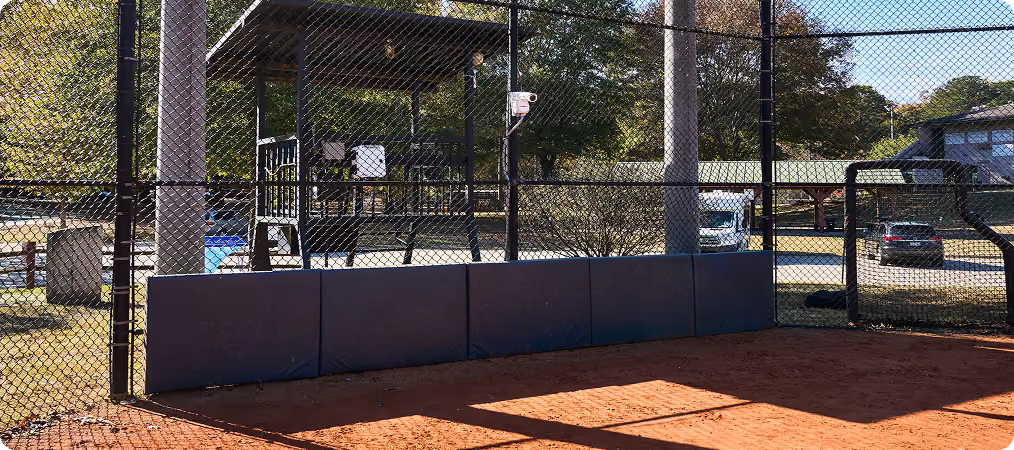
GameChanger Streaming Kit
A carry case, adjustable mount, and tripod that turn any phone or compatible camera into a ready-to-stream setup.
Buy Now →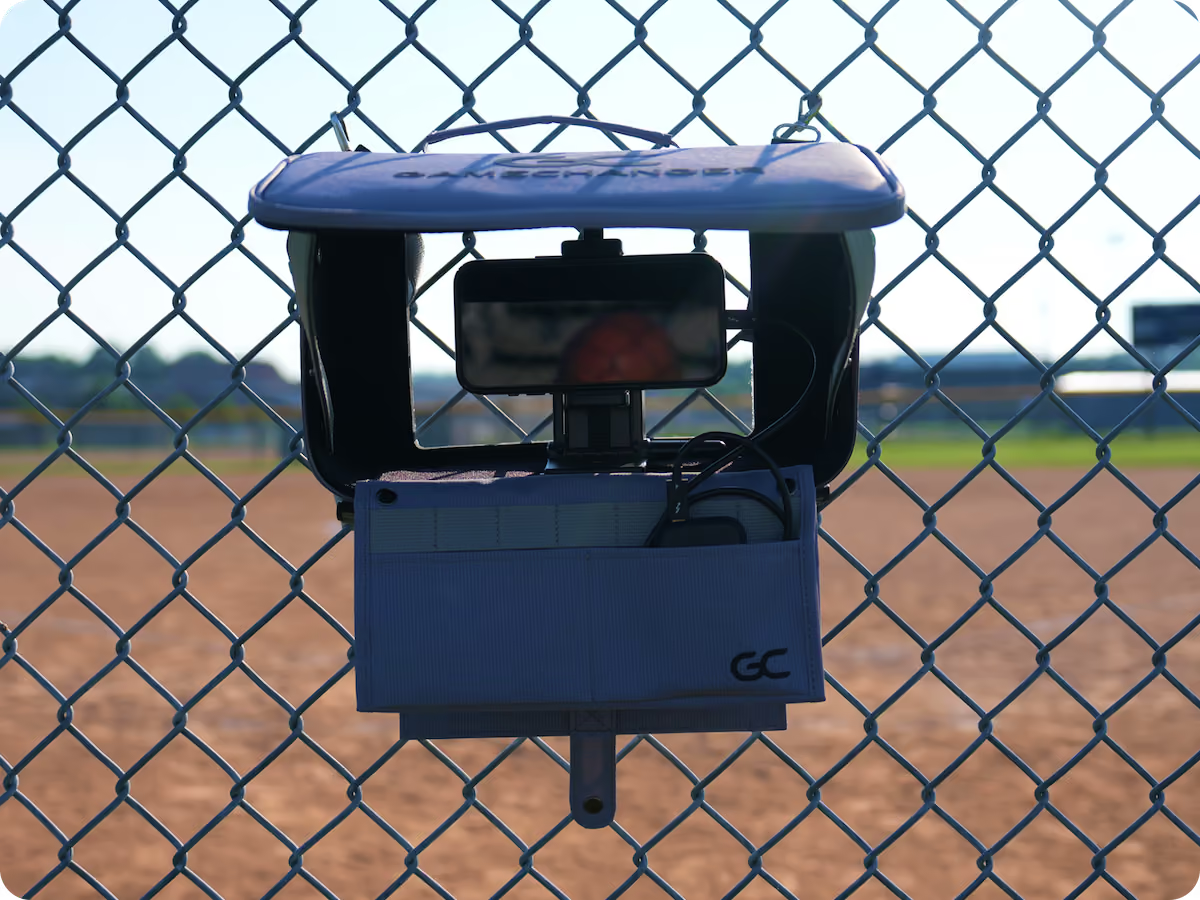
Your Sport. Your Setup.
Your Budget.
Not sure which camera is right for you? Answer a few quick questions and we'll match you with the setup that fits your sport, field, and budget.
Get My Recommendation →
Hear How Teams Are Streaming on GameChanger

“Great user interface. Love being able to stream video and score from the same device. Smooth integration with Mevo Start camera. Helpful statistical computations and aggregations from pitch-by-pitch data.”
“GoPro and GameChanger make it possible for us to stream at scale without needing a huge crew. It’s a professional experience that fits our operation.”
Live Streaming 101


Live Streaming FAQs
Find answers to frequently asked questions about live streaming with GameChanger. Need a hand? Head to our support page for more.
Visit SupportGameChanger allows confirmed family and players to broadcast games live in all sports by default. Team staff are also able to designate certain community members as videographers by updating the Team Permissions from their Team tab.
The videographer can choose to allow either only family members and players (if the players are old enough to have their own account) to watch the live stream, or they can also include team fans in the audience, along with family members and players.
We recommend that you are connected to the internet via a stable Wi-Fi connection. If your internet connection is spotty, you can select the option to Live Stream and Record to Device, so the game will still be recorded and saved to your phone — even if the connection and live stream drop.
If you put the app in the background for a short period of time (30 seconds or so), then the stream will automatically pause for all viewers. Viewers will receive a message saying that the stream is paused. Once you return to the app you will be able to resume streaming. Please note that the stream will end if you leave the app for longer than this period of time.
If you lose your connection while streaming, the stream will end for viewers. They will get a message saying that the stream has ended. You will be able to restart streaming once you have a strong enough connection. If you have selected Live Stream and Record Video, the recording of the game will continue and be saved to your device, even if the live stream drops for viewers.
We recommend that you are connected to the internet via a stable Wi-Fi connection. You can also use cellular data to stream, but please note that this may consume multiple GB of data. To avoid this, you may want to consider using a mobile hotspot.
When a team streamer goes to set up a live stream for any sport, the option to stream in 1080p will appear in the setup flow if the camera being used supports it. Viewers will automatically see their live stream in full HD when this option is selected. Please note: because full HD streaming requires more internet bandwidth, streamers should ensure a strong connection prior to selecting this option.
Yes! The GameChanger App is free to download, and it is completely free for a videographer to set up a live stream. All GameChanger features — including premium features — are completely FREE for coaches and staff to use for their team. Parents and fans can join a team and utilize team messaging, scheduling, and RSVP for free. Additional features for parents and fans, like unlimited baseball and softball live stream viewing, highlight clips, and box scores, are available with a subscription starting at $9.99 per month (or $39.99 billed annually).
Yes, all users can watch up to five baseball or softball live streams for free before being prompted to sign up for a paid subscription. Live stream viewing of other sports like basketball, volleyball, and soccer, remains completely free.